Back
Back

 Mar 01, 2026
 Muhammad Sikandar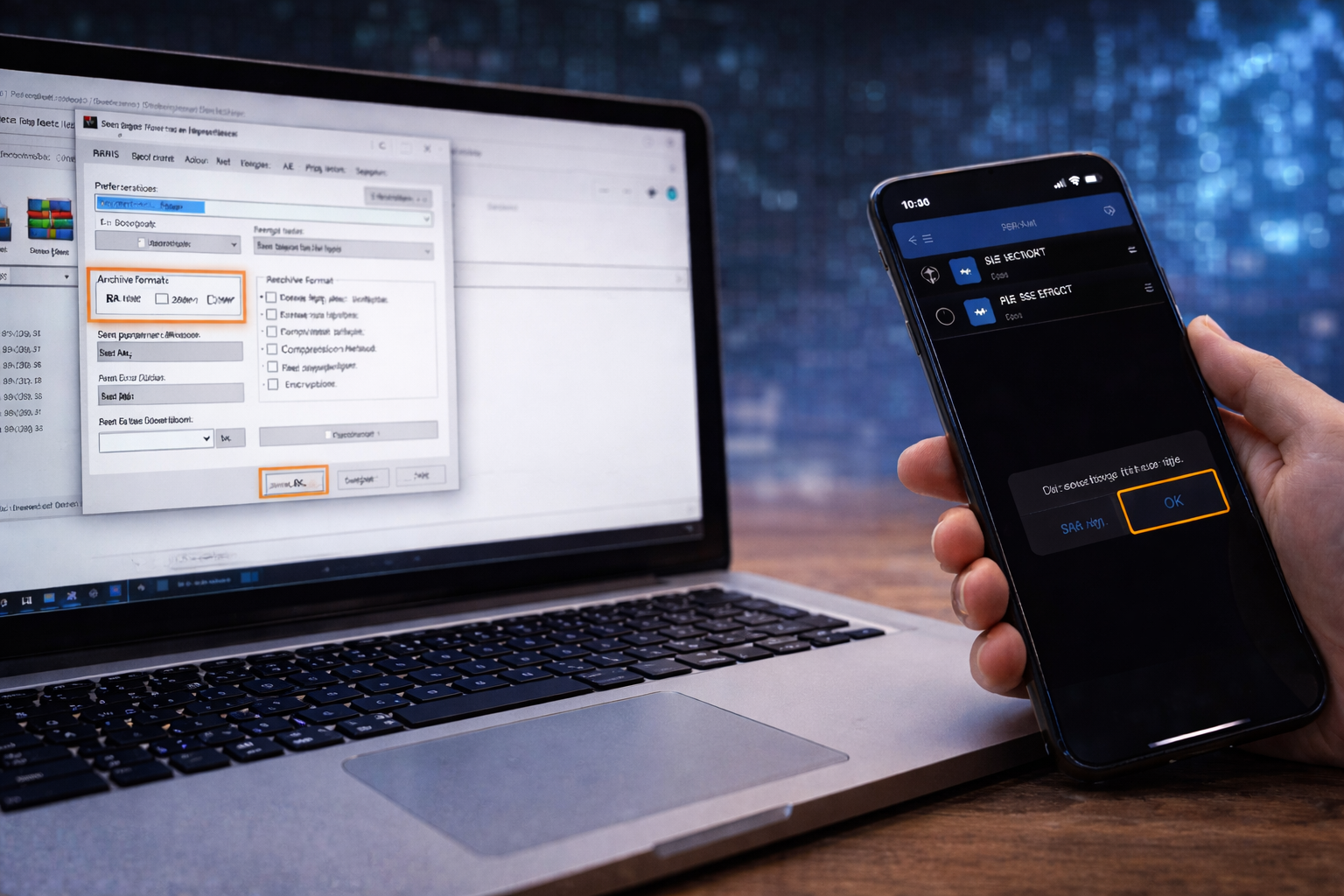
Receiving an After Effects project in a RAR archive is common, especially when downloading templates from marketplaces or collaborating with other editors. However, opening RAR files improperly can lead to corrupted files, missing assets, or even malware risks.
This guide explains how to open RAR AE projects safely, ensuring all files are intact and ready for editing.
RAR archives are compressed containers that store multiple files in one package. Risks of careless extraction include:
Proper extraction protects both your computer and the integrity of the project.
Always use reliable software to extract RAR files:
Avoid unknown or pirated tools — they may carry security risks.
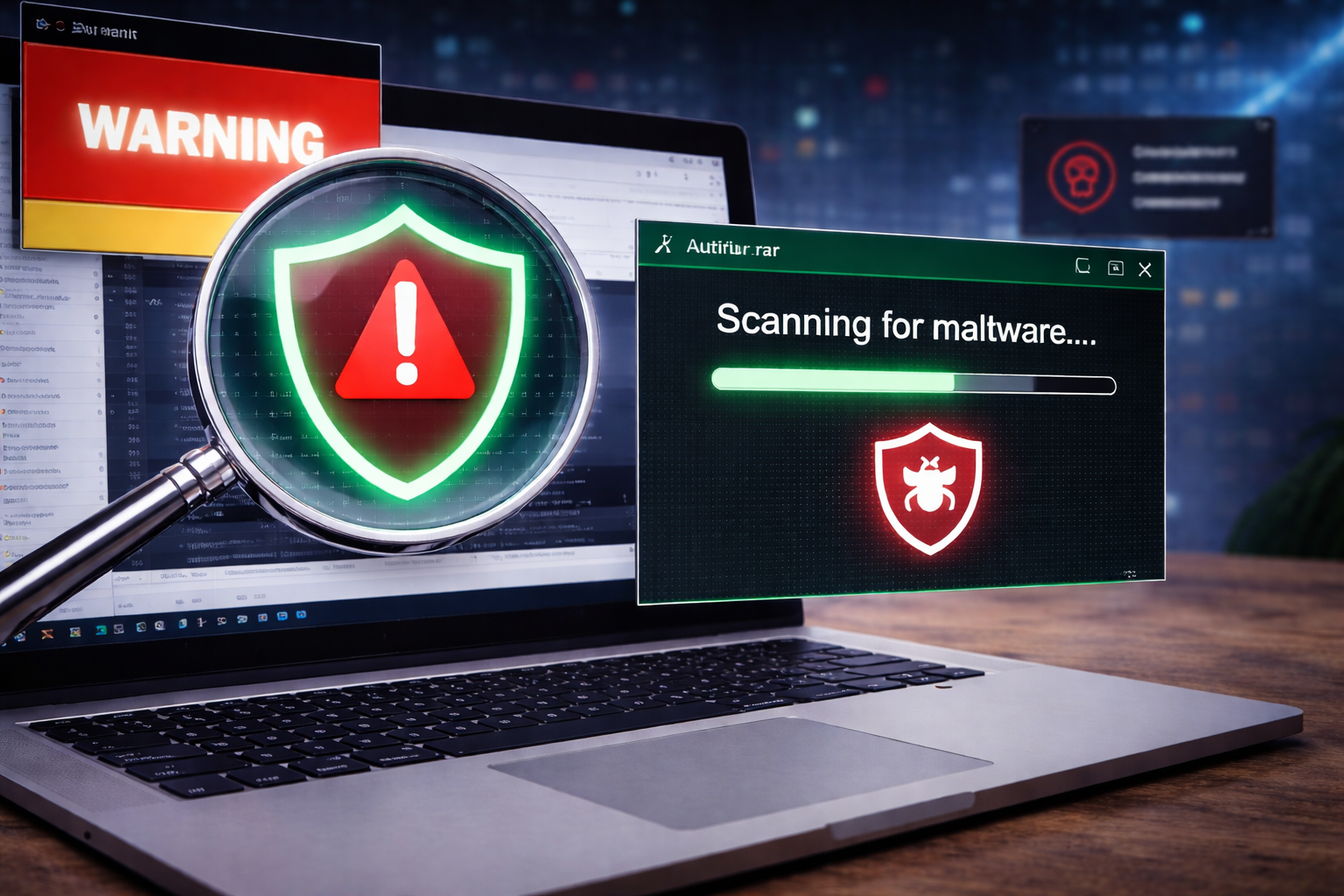
Before opening the archive:
This step is essential when downloading RAR projects from marketplaces, forums, or email attachments.
Never extract directly to desktop or random directories.
Preserving the original structure prevents missing footage errors in After Effects.
After extraction, ensure:
If a RAR file contains nested archives, extract those before opening the AE project.
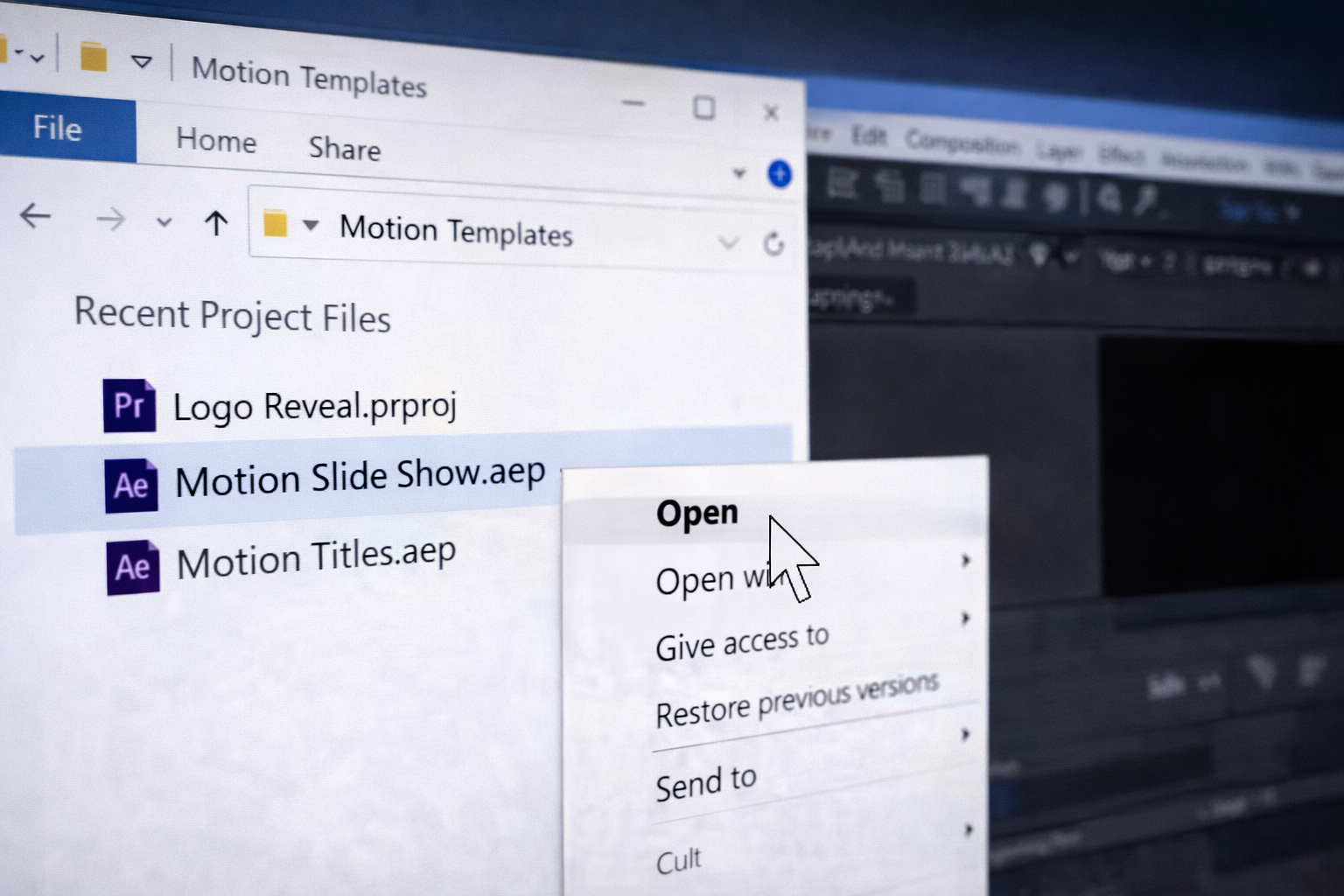
Once the RAR is safely extracted:
If assets are missing, confirm they are in the correct folders. Using File → Dependencies → Collect Files afterward can help organize them for client delivery or personal backup.
Before editing:
This ensures you have a safe version if the original archive is corrupted
Some templates come with a password-protected RAR:
Never share or distribute password-protected files without permission
❌ Extracting to the wrong folder and breaking the file hierarchy
❌ Opening .AEP directly from inside the RAR
❌ Ignoring antivirus scans
❌ Deleting folders or assets before opening the project
Following the proper steps ensures a smooth, safe workflow.
A: No, always extract all files first to preserve structure and avoid corruption.
A: Trusted tools like WinRAR, 7-Zip, or The Unarchiver.
A: Yes, especially if downloaded from third-party websites.
A: Check the folder structure; sometimes nested archives must be extracted separately.
Opening RAR AE projects safely is a critical step for editors. By following this workflow, you ensure:
✔ The project files are intact and uncorrupted
✔ Assets and folder structure remain organized
✔ Your system stays protected from malware
✔ You can begin editing immediately without interruptions
Safe extraction is not just about caution — it’s about maintaining workflow efficiency and protecting your work environment.

Explore more guides on After Effects project files and viral editing workflows.
Production-ready edits that teach you how they were built.