Back
Back

 Feb 26, 2026
 Muhammad Sikandar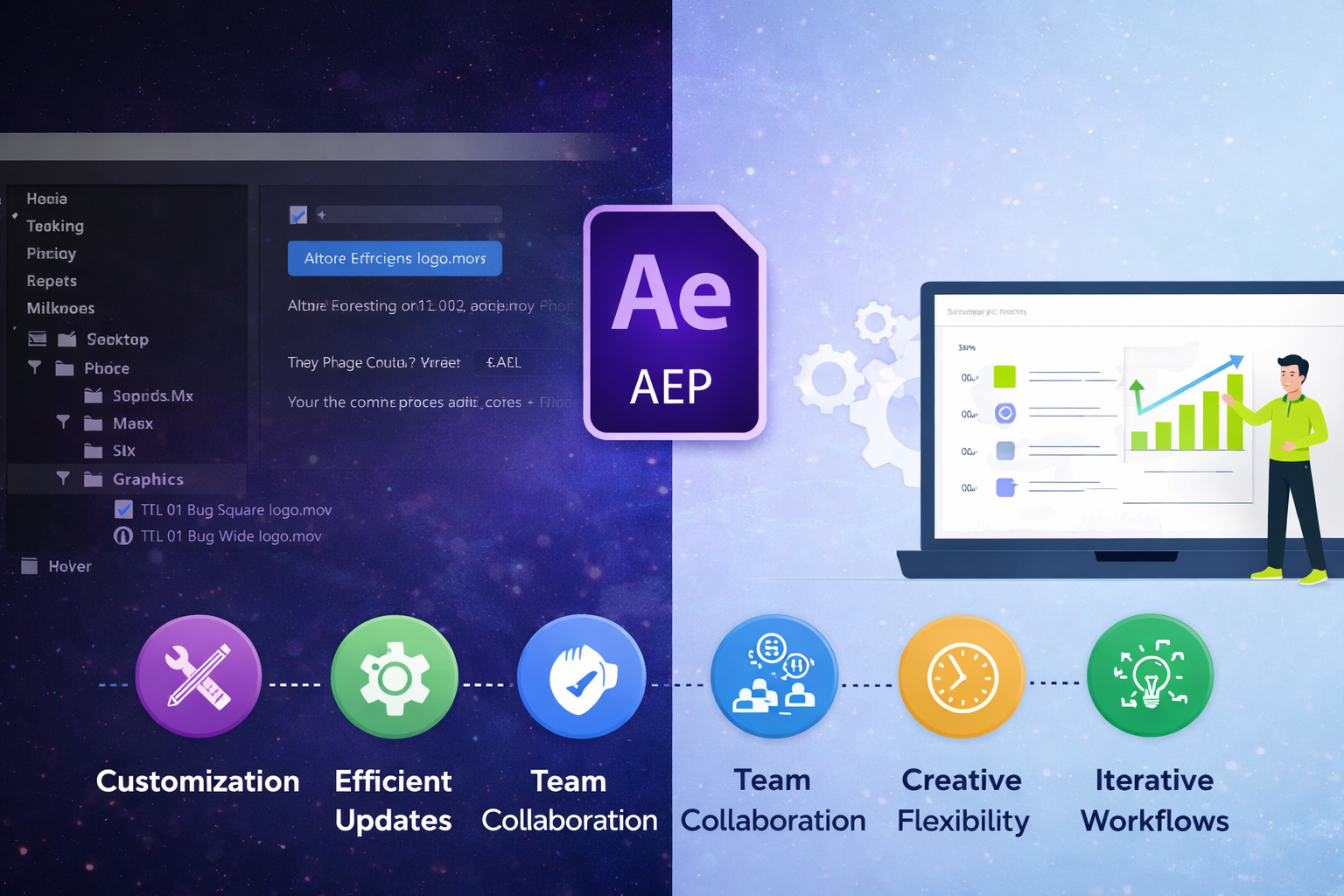
Editable After Effects project files (.aep) store the full decision history behind every animation, layer, keyframe, effect, expression, and composition structure. A rendered MP4 delivers the final result. An editable project file delivers the engine that built it. For working editors handling client revisions, team handoffs, campaign updates, and technique development, editability is the difference between a scalable workflow and starting over from scratch every time something changes.
EarnEdits builds every project file around this principle: full editorial transparency, with labeled layers, visible keyframes, color control panels, and organized compositions that support both production and learning. Every EarnEdits.The AEP file is designed to be opened, reviewed, edited, and reused across projects without restrictions.
An editable .aep file preserves every editorial decision in its original, adjustable state. Nothing is baked, flattened, or locked.
Text layers remain live text, not rasterized graphics. Color grades are applied to adjustment layers, not burned into the footage. Keyframes hold their original timing and easing curves in the graph editor, not collapsed into a single rendered motion. Expressions reference parameters you can read and modify, not hidden behind compiled outputs.
This non-destructive structure means any element can be changed weeks or months after the original edit without rebuilding the animation. Swap a font. Shift a color grade. Re-time a velocity ramp. Adjust a 3D camera path. Every change happens at the parameter level, not by recreating the effect from zero.
EarnEdits files take this further with dedicated control compositions, “COLOR_CONTROL” layers that update the entire color scheme from one place, “TEXT_EDIT” layers that isolate every text element for fast changes. Non-destructive editing becomes faster because the file organization enables rapid adjustments.
The opposite, a “baked” workflow where effects are pre-rendered and layers are flattened, eliminates this flexibility permanently. Once a blur, color grade, or motion effect is rendered into footage, the only way to adjust it is to undo everything and start again.
For any editor working beyond personal projects, non-destructive editing is required. It’s the foundation that enables professional production.
Client projects rarely end at the first delivery. Revisions, brand updates, and campaign extensions are standard, and editable project files handle all three without starting over.
Revisions. A client reviews the first cut and requests faster text animation, a different accent color, and the logo 15% larger. In an editable .aep with EarnEdits-style organization, each change takes minutes, adjusting keyframe timing, updating the hex value on a color control layer, and scaling the logo. In a baked render, every change means re-creating the affected sections from memory.
Brand updates. A client refreshes their brand guidelines mid-campaign, new primary color, updated font, revised logo. In an organized project file with expressions linking color values to a control layer (the structure EarnEdits uses in every file), one parameter change propagates across every composition. Without that structure, the editor manually hunts through dozens of layers, replacing values one at a time.
Campaign extensions. A 15-second social ad performs well; the client also wants 30-second, 60-second, and vertical-format versions. An editable project file lets you duplicate compositions, extend timing, reframe for different aspect ratios, and adjust pacing, all from the existing keyframe structure. Without the source file, each new version is a full rebuild.
Editors handling client work with After Effects project files operate faster and more profitably when every deliverable traces back to a single, well-organized .aep source.
For practical guidance on using project files in paid work, read using After Effects project files for client work.
Production teams pass project files between editors, motion designers, and creative directors daily. The editability and organization of those files determine whether handoffs take 5 minutes or 5 hours.
A well-structured .aep file uses labeled layers (“Hero Text,” “Background Color,” “Camera Rig”), color-coded composition types, and organized folders in the Project Panel. A new editor opening this file understands the structure immediately, which compositions to edit, which layers control global parameters, wand here the main timeline lives. EarnEdits uses this exact approach: every file follows consistent naming conventions, so the organizational system becomes familiar after your first two or three projects.
A disorganized .aep file with unnamed layers (“Shape Layer 47,” “Comp 12 copy copy”), no folder structure, and expressions referencing mystery values forces the next editor into a detective session before any real work begins. The file is technically editable, but practically unusable without the original editor explaining their logic.
This is why file organization isn’t cosmetic; it’s functional. EarnEdits project files demonstrate what team-ready structure looks like: labeled layers, clear composition hierarchy, and control panels that any editor can navigate on first open. Editors who adopt this organizational discipline in their own projects create files that hand off cleanly to collaborators, clients, and future versions of themselves.
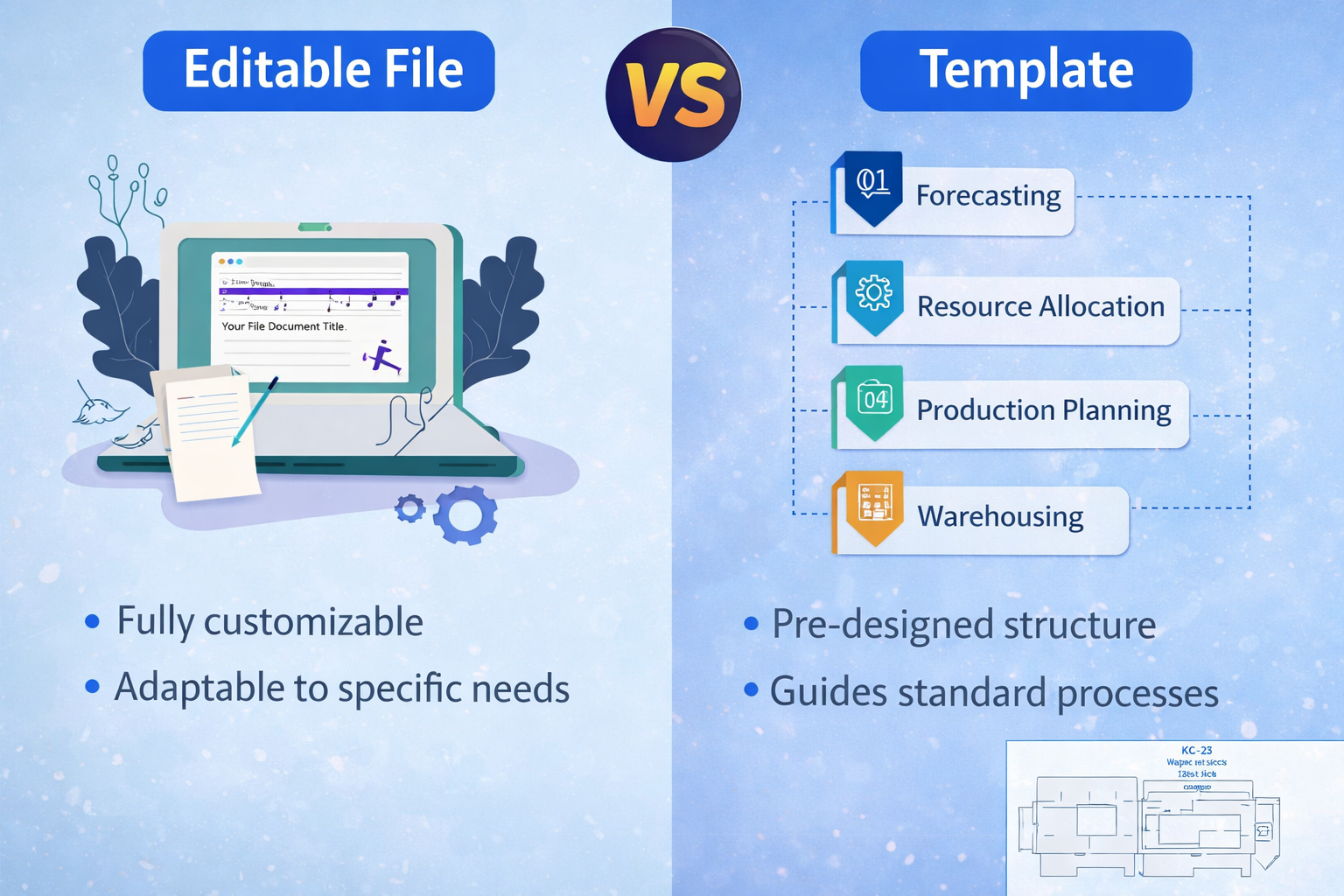
Templates (.aet, .mogrt) offer a specific kind of editability, controlled, limited, and surface-level. Editable project files (.aep) offer complete access.
A template with controller layers and placeholder zones lets you replace text, insert footage, and adjust color sliders. The output looks professional because the underlying animation is pre-built by a skilled motion designer. But you can’t adjust the keyframe curves that control the motion feel. You can’t restructure the composition hierarchy. You can’t modify the expressions connecting controllers to layer properties.
EarnEdits .aep files deliver the same production value without those restrictions. Adjust the velocity ramp timing. Change the easing on a scale animation. Re-order the layer stack. Modify the expression logic. Every decision the original editor made is visible and adjustable, organized clearly enough to customize in 15 minutes, transparent enough to study for hours.
For one-off production tasks, quick lower thirds, standard logo reveals, and templates work efficiently. For editors building a library of reusable techniques, developing a personal style, or handling projects that require deep customization beyond placeholder swaps, editable project files like those from EarnEdits are the only format that scales.
The full breakdown of how these formats differ technically lives in the project files vs templates comparison.
Rendered tutorials show you what to do. Editable project files show you what was done, and let you test why.
When you open an editable EarnEdits .aep, you see the actual graph editor curves behind a velocity ramp. You see how many layers interact to create a composite effect. You see the keyframe spacing that controls the “feel” of a motion. You see the organizational structure that makes a complex edit manageable.
This visibility creates a different kind of learning than watching someone else’s screen recording. You interact with the decisions directly. Solo a layer to hear how audio aligns with cuts. Press U to reveal every keyframe on a composition. Open the graph editor to study easing curves. Delete an effect to see what it contributed to the final look. Every EarnEdits file is built for exactly this process, organized enough to navigate, transparent enough to teach.
Over time, this builds editorial intuition, the ability to look at a motion and understand how it was keyframed before opening the file. That intuition is what separates editors who execute techniques from editors who design them. EarnEdits files accelerate that transition because every .aep exposes the complete decision chain behind a real viral-style edit.
For newer editors starting this process, the beginner’s guide to After Effects project files covers which file types to open first and how to study them systematically. For comparison between learning methods, read the After Effects courses vs project files.
Not every .aep file is equally useful for production or learning. Work-ready project files share specific structural qualities, and these are the exact standards EarnEdits builds every file against.
Labeled layers with descriptive names. “Hero Title, Scale Animation” tells you what the layer does. “Layer 14 copy” provides no value. EarnEdits uses consistent naming conventions across every file: “MAIN_COMP,” “TEXT_EDIT,” “COLOR_CONTROL,” “CAMERA_NULL.”
Organized Project Panel with folder hierarchy. Compositions grouped by function (Finals, Pre-Comps, Assets, Audio). Media files are separated from generated elements. Control compositions at the top of the panel. EarnEdits follows this hierarchy, so the structure becomes familiar after your first file.
Native effects over third-party plugins. Files relying on CC effects, built-in color tools, and native blending modes open on any system running After Effects. EarnEdits builds many projects on native effects and lists plugin requirements for each file, so nothing breaks on open.
Visible keyframe logic. Keyframes are placed directly on layer properties rather than buried inside nested expressions. The graph editor should show readable easing curves. EarnEdits files expose every velocity curve and bezier handle, so editors study the technique visually.
Collected assets. All fonts, footage, images, and audio files are bundled with the project. A project file with 15 “missing file” warnings on open isn’t work-ready. EarnEdits lists font and plugin dependencies per file so editors can resolve these before downloading.
Reasonable scope. A 20-32-second composition with a focused technique demonstration teaches more and produces faster results than a 3-minute mega-project with hundreds of layers. Every EarnEdits file runs 20-32 seconds, long enough to capture complete viral editing patterns and short enough to deconstruct in one session.
Editable After Effects project files preserve every editorial decision in adjustable, non-destructive form. For client revisions, team handoffs, campaign scaling, and technique development, full editability is what separates professional workflows from disposable one-off renders.
The value of an editable file depends directly on its organization. EarnEdits builds every .aep against work-ready standards, labeled layers, clean folder structure, color control panels, native effects, and focused 20-32 second compositions. Each file opens clean and works immediately for both production and learning.
Browse organized, editable .aep project files built for both production and learning at EarnEdits. The Learn After Effects with Real Project Files pack is built specifically for editors who want full editorial transparency from the first open. Or return to the complete guide to After Effects project files for the full technical foundation.
Yes, if the license permits commercial use. EarnEdits files include commercial rights. Marketplace files from Envato Elements or Motion Array typically include commercial licensing. Always verify the license terms before delivering client work based on third-party project files.
Use File > Dependencies > Collect Files to bundle all linked assets into one folder. This prevents missing file errors when someone else opens the project on a different system. Include a note listing any required fonts or plugins that are not bundled with the collection. EarnEdits files model this organizational discipline, study how they're structured and apply the same approach to your own project handoffs.
For short-form content (social media, reels, ads), a single organized project file works efficiently, and the EarnEdits approach of 20-32 second focused compositions fits this workflow. For longer projects with multiple scenes, creating a separate .aep file for each sequence reduces file size, improves performance, and isolates the risk of crashes.
This is a business decision, not a technical one. Some editors include source files in premium packages. Others deliver rendered outputs only and charge separately for source files. If you share .aep files, ensure they're organized and collected; a messy handoff damages your professional reputation more than withholding the file.
You need to understand the Project Panel, composition structure, layer hierarchy, and basic keyframe navigation. The courses vs project files comparison outlines the foundation skills required before project file learning becomes effective.

Explore more guides on After Effects project files and viral editing workflows.
Production-ready edits that teach you how they were built.