Back
  • Insights
  • How to Study AE Project Files Efficiently: A Guide for Editors

How to Study AE Project Files Efficiently: A Guide for Editors

  • Tools & Resources
  • Mar 01, 2026
  • Muhammad Sikandar
Study AE Project Files

Understanding someone else’s After Effects project can be overwhelming, especially if it includes multiple compositions, layers, effects, and animations. Whether you’re learning from professional templates, dissecting marketplace files, or reviewing a collaborator’s work, knowing how to study AE project files efficiently is key to improving your skills and speeding up your workflow.

Why Studying AE Project Files Matters

Analyzing project files helps you:


  • Learn professional layer structuring and organization
  • Understand animation techniques and expressions
  • Identify effective use of effects and presets
  • Accelerate your editing and design skills
  • Build a foundation for creating your own templates


Efficient study transforms a confusing project into a learning tool, saving hours of trial and error.

Explore Our Collection Of After Effects Projects

A curated selection of our top-performing viral edit projects - crafted to capture attention instantly and convert viewers from the very first scroll.

Step 1: Organize and Open the Project Properly

Before diving in:


  1. Place all project assets in one folder.
  2. Open the project in Adobe After Effects.
  3. Enable Layer and Composition Panels for full visibility.


Clean organization is essential — it prevents missing footage errors and makes navigation smoother.

Step 2: Start with the Main Composition

Most projects have a main comp that drives the final output.


  • Identify the primary composition used for export
  • Check the timeline and precomps that feed into it
  • Look at keyframes and markers to understand animation flow


Focusing on the main comp first gives you context before exploring nested layers.

Step 3: Analyze Layer Structure

Layers reveal how the project is built:


  • Adjustment Layers: Apply effects globally
  • Shape Layers: Vector-based animations
  • Text Layers: Typography styling and animation
  • Footage Layers: Video or image assets used

Look for naming conventions and grouping. Organized projects are easier to understand and replicate.

Step 4: Study Effects and Expressions

Study AE Project Files

Effects and expressions define the motion and style.


  • Select layers with effects applied
  • Observe effect controls and parameters
  • Look for expressions in the timeline (e.g., wiggle, pick-whip links)
  • Experiment by adjusting values to see real-time changes


This helps you learn technical tricks used by professional editors.

Step 5: Use Color Coding and Labels

Many professional templates use layer labels for categorization.


  • Red = solids or backgrounds
  • Blue = text
  • Green = shape layers
  • Yellow = guides or placeholders

If the project isn’t color-coded, consider doing it yourself while studying.
It makes navigation faster and highlights key elements.

Step 6: Examine Precomps and Nested Compositions

Complex animations often rely on precomps:


  • Open nested compositions to see how animations are built
  • Track how effects, masks, and keyframes are applied
  • Take notes on workflow patterns


Understanding precomps teaches modular design, a crucial skill for creating reusable templates.

Step 7: Practice Reverse Engineering

Try to replicate parts of the project without copying them directly:


  • Recreate key transitions or effects in a new comp
  • Experiment with changing text, colors, or timing
  • Compare your version to the original to see differences


This active practice strengthens problem-solving and creative thinking.
Step 8: Take Notes and Bookmark Techniques

Study AE Project Files

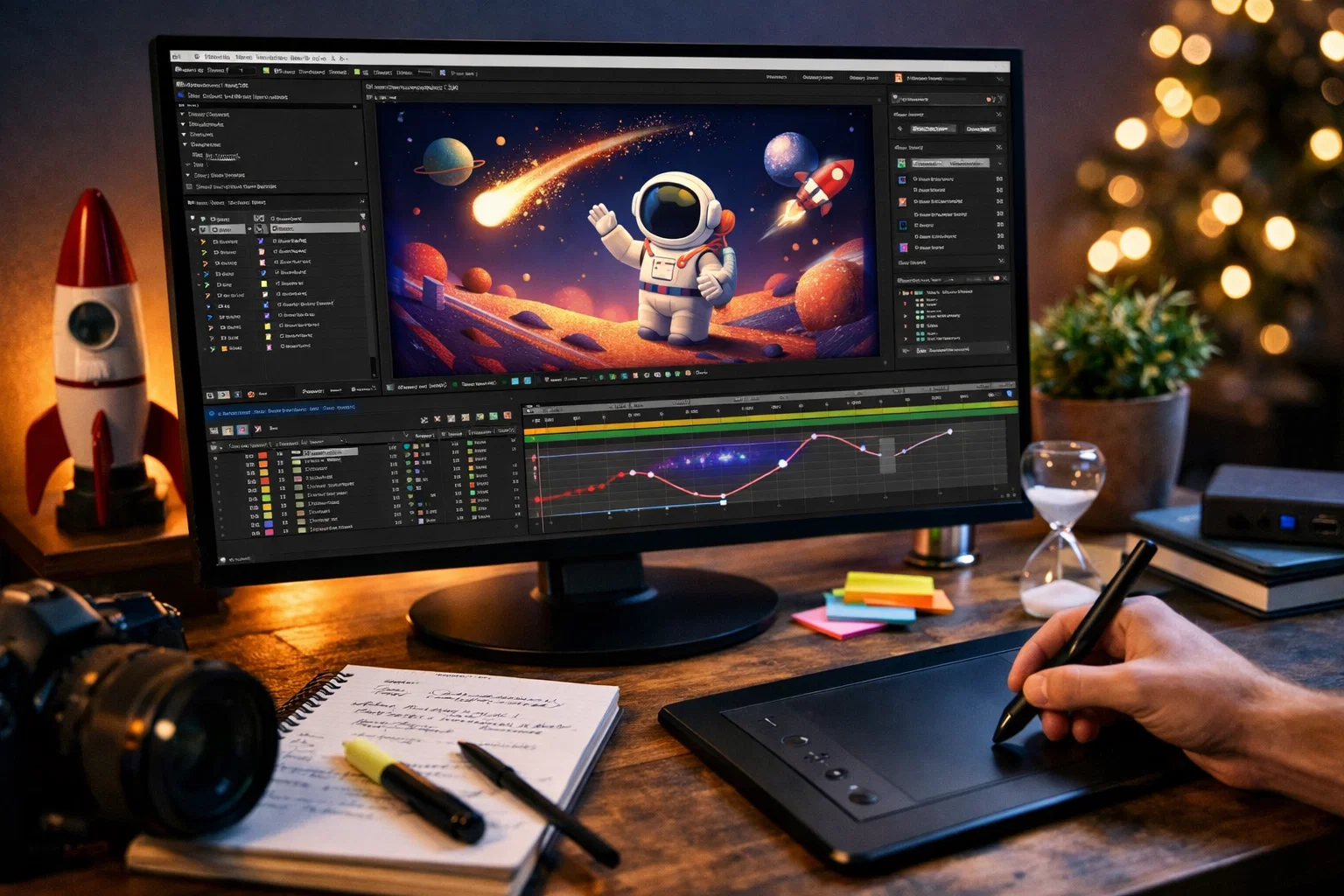
Document techniques that stand out:


  • Animations that feel dynamic
  • Expressions that simplify motion
  • Effects that enhance visuals without clutter


Keep a personal library of tips and reusable techniques for future projects.

Step 9: Export a Reference Preview

Sometimes, watching the final rendered output helps you connect the timeline structure to the finished result.


  • Render a short preview
  • Pause and analyze specific moments
  • Match the animation with timeline layers


This visual mapping accelerates comprehension.

Explore Our Collection Of After Effects Projects

A curated selection of our top-performing viral edit projects - crafted to capture attention instantly and convert viewers from the very first scroll.

Step 10: Practice Regularly

Efficiently studying AE projects is a skill that improves with repetition and consistency.


  • Open different templates frequently
  • Challenge yourself to understand and modify complex compositions
  • Apply learned techniques to your own projects


Over time, you’ll recognize patterns and workflows almost instantly.

Quick Tips for Efficient Study

✔ Start with the main composition before exploring precomps
✔ Focus on key layers and effects first
✔ Use color coding and labels for clarity
✔ Take notes and experiment actively
✔ Render previews to match animation with timeline

Final Takeaway

Studying AE project files efficiently turns templates and shared projects into powerful learning tools.


By focusing on structure, effects, precomps, and expressions, you can:


  • Learn professional techniques faster
  • Understand animation logic
  • Improve editing efficiency
  • Build a foundation for creating your own templates


Efficient study is not just about looking at layers — it’s about decoding the project like a professional editor, turning observation into actionable skills.

Muhammad Sikandar
Muhammad Sikandar

Muhammad Sikandar brings deep expertise in design research, visual trend analysis, and advanced creative development, backed by extensive hands-on experience in the motion graphics industry.

Browse 30 Viral-Ready .AEP Project Files

Production-ready edits that teach you how they were built.