Back
Back

 Mar 01, 2026
 Muhammad Sikandar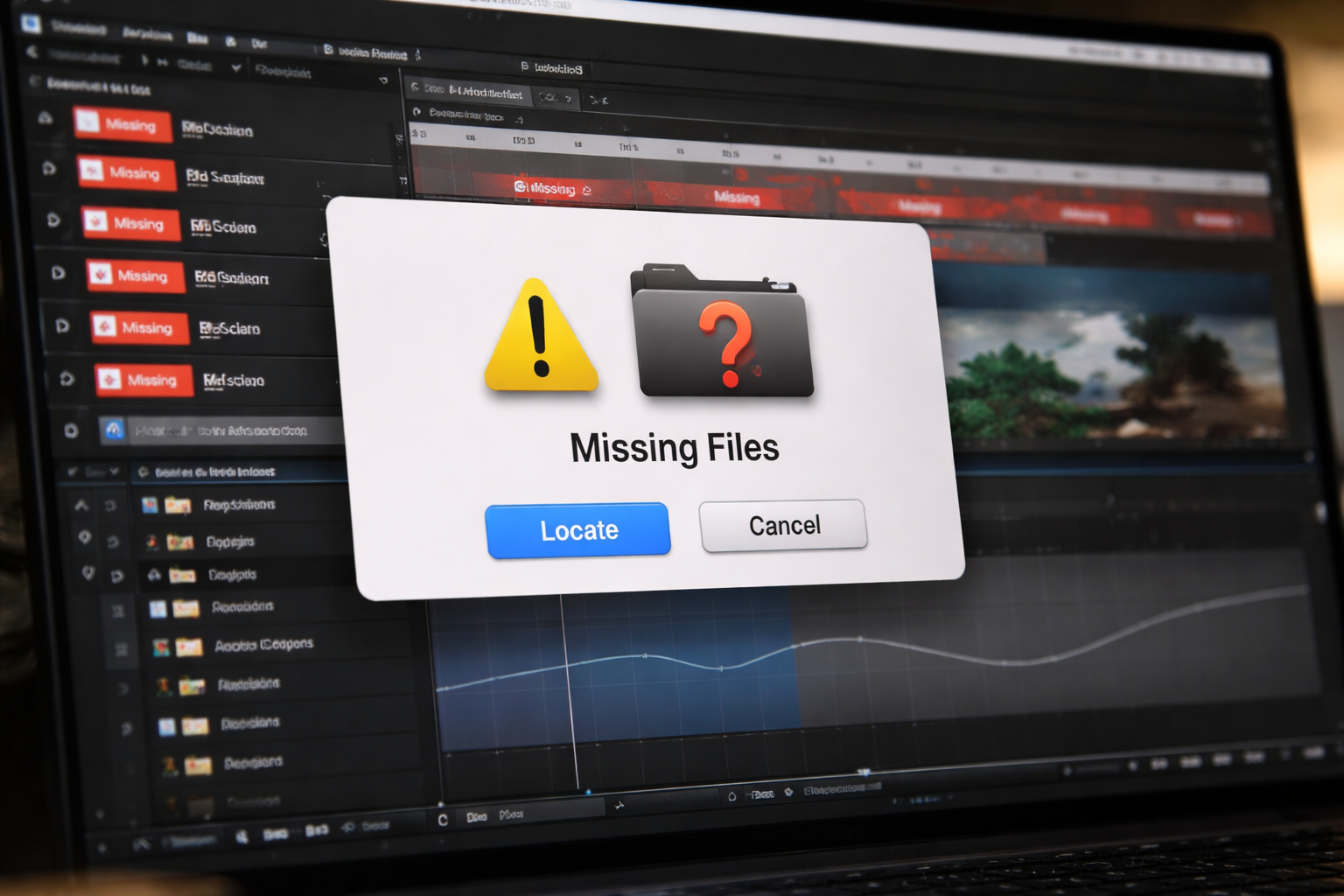
Seeing the dreaded “Missing Footage” screen in Adobe After Effects?
Red color bars. Offline media. Empty compositions.
It usually happens:
Don’t panic.
This guide walks you step-by-step through how to fix missing files in After Effects, relink footage correctly, and prevent it from happening again.
After Effects does not embed your media into the project file by default.
Instead, it stores:
If those paths change, AE can’t find the files — even if they still exist on your computer.
Common causes:
✔ Moving the project folder
✔ Changing drive letters
✔ Renaming source files
✔ Switching from Windows to Mac
✔ Deleting or reorganizing footage
Good news: In most cases, nothing is lost — it just needs relinking.
If you’re in a hurry, follow this:
Open your .AEP file normally.
You’ll see a Missing Files dialog box.
Click:
Browse to the correct folder and select the correct file.
Click Open.
If the rest of the missing files are in the same folder and have not been renamed, After Effects will automatically relink them.
This is the fastest solution.
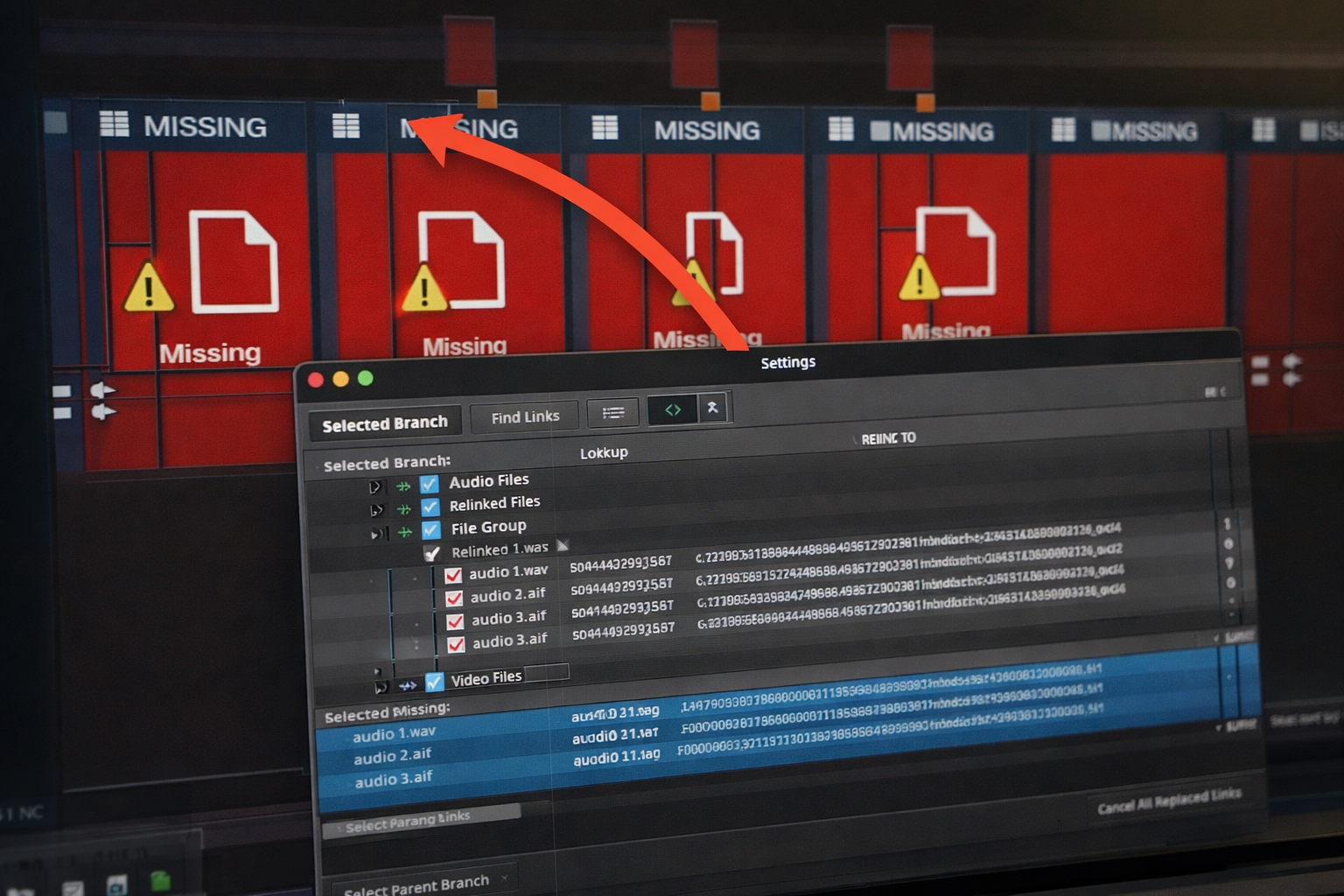
If the automatic method doesn’t work:
Look for items marked in red.
These are missing.
Choose:
Replace Footage → File
Select the correct version of the file and click Open.
Repeat if needed.
This is where things get tricky.
If you:
After Effects won’t auto-match them.
You must manually:
✔ Match each file by content
✔ Replace one-by-one
✔ Ensure resolution & duration match
Pro tip:
If you know the files are identical but renamed, rename them back temporarily to match the original project.
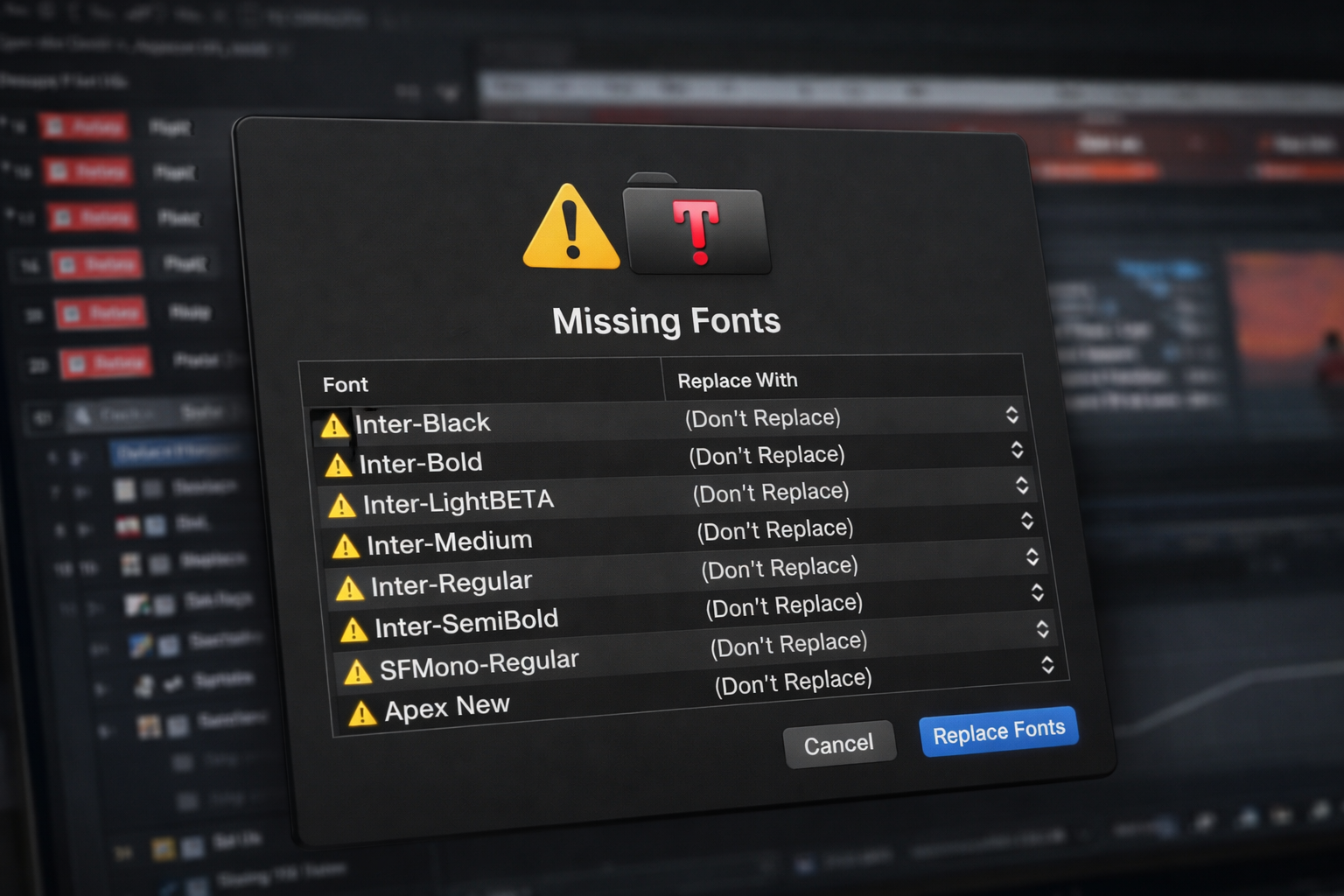
Sometimes it’s not footage — it’s fonts.
After Effects will warn you if a font is missing.
Solution:
If the original font is unavailable:
Choose a visually similar replacement and adjust spacing manually.
If a project uses third-party plugins and you don’t have them installed:
You may see:
Fix options:
✔ Install the missing plugin
✔ Replace the effect manually
✔ Remove the effect if non-essential
Professional AEP projects from curated marketplaces like Earnedits often avoid heavy paid plugin dependency to prevent this issue.
If many files are missing:
Put ALL original footage back into one main folder.
Right-click one missing file → Replace Footage.
Select the correct version.
If folder structure matches original, After Effects relinks everything automatically.
Folder structure matters.
If transferring between operating systems:
Problems may occur because:
Solution:
✔ Keep footage inside project folder
✔ Use relative folder structure
✔ Relink using top-level folder
Always zip full project folder before transferring.
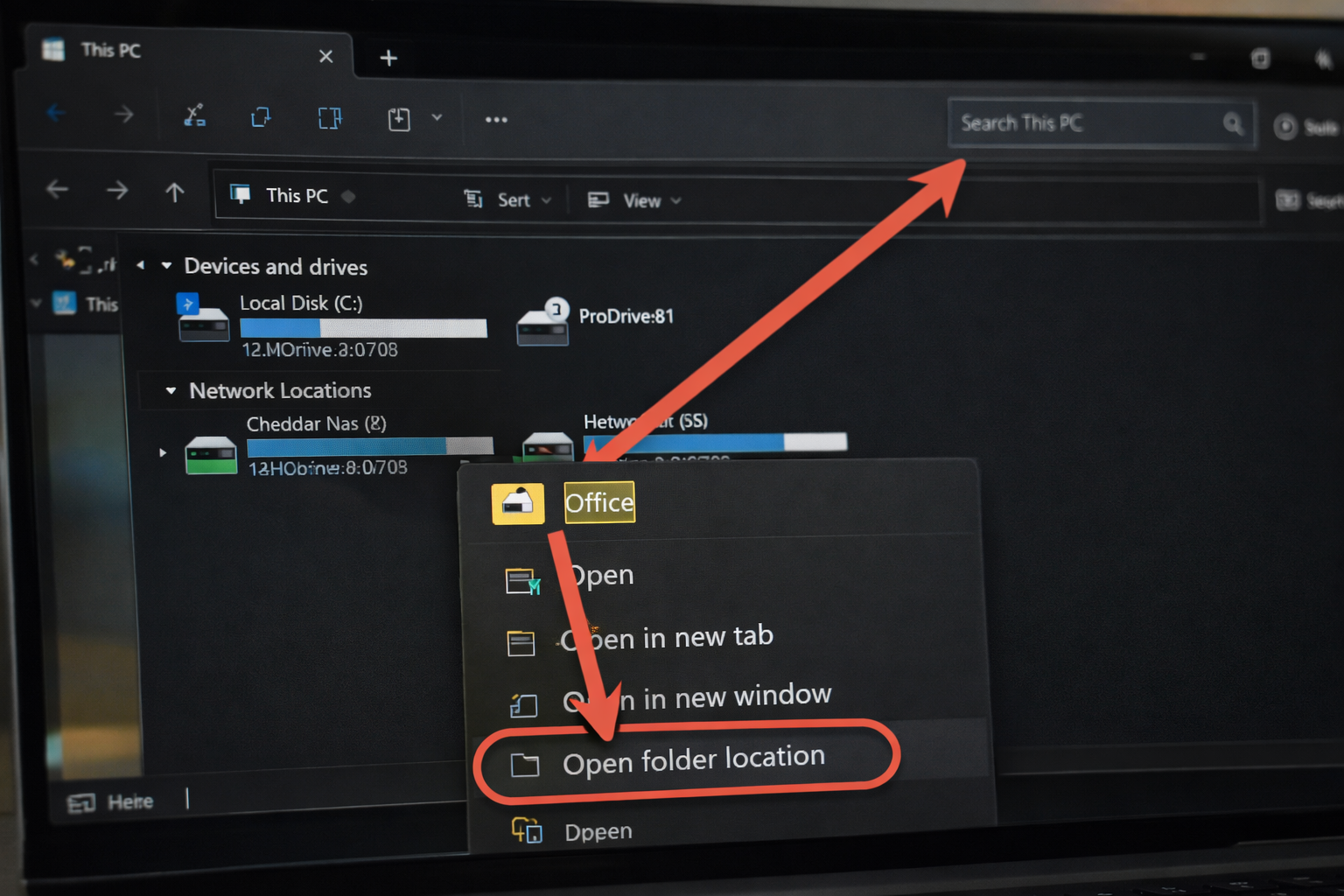
This is the part most editors ignore.
Use these professional safeguards:
In After Effects:
File → Dependencies → Collect Files
This creates:
Perfect for archiving or sending to clients.
Structure example:
Project Name
│
├── AEP File
├── Footage
├── Audio
├── Images
├── Exports
Never move footage outside this structure.
If you must rename:
Do it inside After Effects first — not in Finder or Explorer.
Saving assets on:
Without structure increases relink issues.
If you download an AEP and:
You’ll get missing file errors.
High-quality template systems provide:
✔ Clear folder structure
✔ Organized comps
✔ Clear placeholders
But you must preserve the file hierarchy.
If files are missing:
✔ Did I move the folder?
✔ Did I rename files?
✔ Did I change drives?
✔ Did I delete temporary downloads?
✔ Did I unzip everything correctly?
Most problems are structural — not technical.
Because the original file path changed.
Yes — if the files still exist somewhere on your system.
No — only the source media needs relinking.
Then you must restore from backup or replace with new media.
Missing files in After Effects are frustrating — but rarely catastrophic.
They usually mean:
The file moved.
Not that it disappeared.
Relink carefully.
Restore folder structure.
Use Collect Files.
Avoid renaming mid-project.
Professional editors don’t just animate well.
They manage file systems well.
And clean file management prevents 90% of relink headaches before they happen.

Explore more guides on After Effects project files and viral editing workflows.
Production-ready edits that teach you how they were built.