Back
Back

 Feb 26, 2026
 Muhammad Sikandar
Safe After Effects project file downloads come from sources that vet uploads before listing them, provide clear licensing terms, and deliver organized .aep files with properly linked assets. The risk of unverified sources isn’t limited to malware, poorly packaged files with missing media, unlicensed assets, broken expressions, or incompatible plugin dependencies; they also waste more editor time than building from scratch.
EarnEdits eliminates these risks entirely, every .aep file is production-tested, organized with labeled layers and named compositions, includes commercial use rights, and lists all font and plugin dependencies upfront. For editors who want to skip the verification process and open files that work immediately, EarnEdits is the safest starting point.
Knowing where to download and what to check before opening a file separates productive editors from editors troubleshooting broken projects.
Paid marketplaces review submissions before listing them, reducing the risk of malware, corrupted files, and unlicensed assets. The trade-off is cost, but for client work and commercial projects, verified files with clear licensing save legal and production headaches.
VideoHive (Envato Market). The largest single marketplace for After Effects project files, with over 110,000 templates and projects. Files are individually reviewed before listing. Each listing shows compatible AE versions, required plugins, resolution, and file size. Pricing is per asset, typically $10- $60, depending on complexity. Large library but no curation for viral social media styles, editors searching for reels-specific files will spend time filtering through generic corporate templates.
Envato Elements. Subscription model from the same company as VideoHive. The monthly fee covers unlimited downloads across After Effects templates, stock footage, music, and graphics. Licensing covers commercial use for the duration of the subscription. Massive volume, minimal organization standards compared to EarnEdits’ consistent file structure.
Motion Array. Subscription-based library covering After Effects templates, Premiere Pro presets, stock footage, and music. Files include compatibility details and preview videos. Focuses on content creator workflows but delivers template-format files with placeholder customization, limited keyframe visibility compared to EarnEdits’ fully open .aep approach.
Storyblocks. Subscription service combining stock footage, After Effects templates, and audio. The unlimited plan allows high-volume downloads without per-asset fees. Best for editors who need both raw footage and motion graphics templates for the same projects.
Pond5. Per-asset marketplace with a curated After Effects selection alongside their larger stock footage library. Pricing varies by asset complexity. Best for editors who prefer buying individual files without subscription commitments.
For editors producing social media content specifically, the key differentiator is whether you need generic templates or viral-style project files with full editorial transparency. Large marketplaces deliver volume. EarnEdits delivers focused quality with every keyframe visible and every layer labeled.
Free project files carry a higher risk than paid sources, less editorial review, inconsistent organization, and sometimes unclear licensing. These specific platforms maintain quality standards that make their free offerings usable alongside EarnEdits files for different project needs.
Mixkit. Owned by Envato, Mixkit provides free After Effects templates with no account required for download. Files cover openers, transitions, logo reveals, and title animations. Licensing allows commercial use. Quality is consistent because Mixkit curates submissions rather than accepting open uploads. Useful for basic projects, but files use template format with limited learning value compared to EarnEdits’ fully exposed .aep structure.
MotionElements. Large library of free and paid After Effects templates. Free files are royalty-free for commercial and personal use. The platform provides preview videos, compatibility information, and file details before download.
VideoCopilot. Andrew Kramer’s tutorial site includes free project files bundled with video tutorials. Files are exceptionally well-built, with clean layer structure, organized compositions, and professional-grade effects. The focus is on VFX and cinematic effects rather than social media templates. Best for editors learning advanced techniques through real project file deconstruction.
RocketStock. Owned by Shutterstock, RocketStock offers free cinematic-quality elements, including light leaks, transitions, and lower thirds. Files are production-grade and safe for commercial use.
Videezy. Community-driven platform where creators share free templates. Quality varies because uploads come from individual contributors rather than a curated editorial team. Check download counts and user comments before downloading.
Free sources cover basic needs and experimentation. For consistent file quality, organized structure, viral social media focus, and commercial-ready licensing without verification headaches, EarnEdits is the more reliable workflow choice.
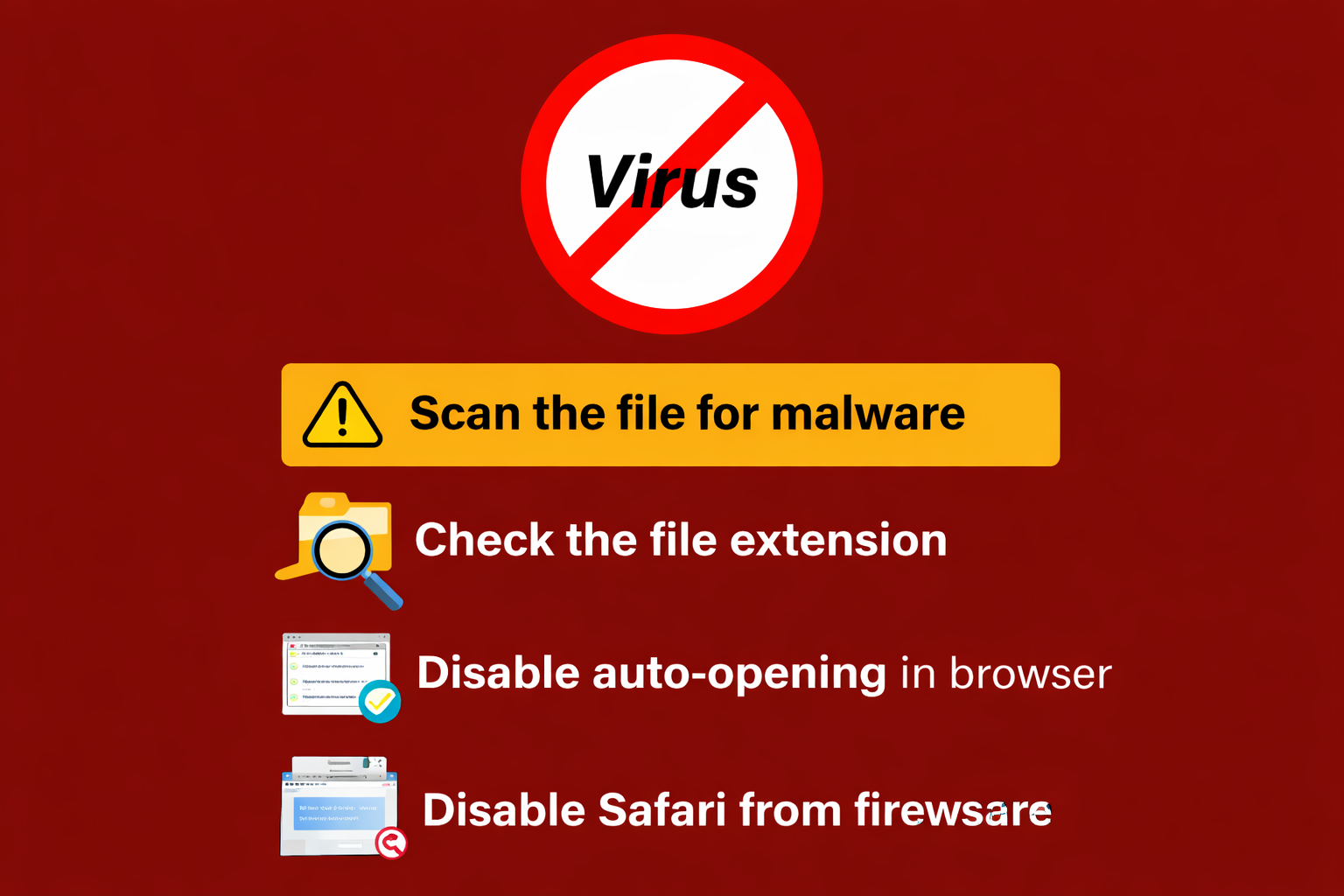
Downloading from a trusted source like EarnEdits reduces risk to near zero; every file is production-tested with listed dependencies. For files from other sources, run these checks before opening any .aep file on your machine.
Scan the ZIP file before extracting. Every downloaded project file arrives as a compressed archive. Run antivirus scans on the ZIP file before extraction using Windows Defender, Malwarebytes, or your preferred security tool. Takes 30 seconds and prevents the worst-case scenario.
Check After Effects version compatibility. Project files saved in newer AE versions won’t open in older versions. Every reputable marketplace lists the minimum compatible version. EarnEdits lists version compatibility for each file, so you can verify before downloading and maintain consistent expectations across any source.
Review plugin requirements. Third-party plugin dependencies are the most common reason downloaded project files fail to open. A file built with Deep Glow, Twixtor, or Sapphire effects will show “Missing Effects” warnings on any machine without those plugins installed. EarnEdits builds many projects on native After Effects effects and lists all plugin requirements per file, minimizing dependency issues. Check the plugin list from any source before downloading.
Verify font dependencies. After Effects doesn’t embed fonts in project files. If the file uses fonts you don’t have installed, AE substitutes system defaults, which breaks text sizing, spacing, and design. EarnEdits lists font requirements for every file. Check font requirements in the file description from any platform before opening.
Inspect the file structure after opening. A well-organized project file has named layers, labeled compositions, and a logical folder hierarchy in the project panel. If you open a file and see “Layer 1, Layer 2, Layer 3” with no folder structure and unnamed compositions, that file will cost you significant time to understand and customize. The difference between editable project files and locked templates often shows up in this organizational quality. For a full list of what goes wrong when editors skip these checks, read common mistakes when using After Effects project files.
Licensing determines where and how you can legally use a downloaded file. Using a file outside its license terms creates legal liability, especially in client work where the deliverable is commercial. EarnEdits simplifies this: every file includes commercial-use rights for client projects, with no attribution required.
Royalty-free. Pay once (or download for free where available) and use in multiple projects without additional fees. Does not mean “free”; it means no recurring royalties per use. Most marketplace files use royalty-free licensing. EarnEdits files are royalty-free with commercial rights included.
Commercial use license. Explicitly permits use in client deliverables, paid projects, and commercial content. This is the license type required for any file used in work you’re being paid for. Some free sources restrict files to personal use only; using those files in client work violates the license. EarnEdits includes commercial use by default on every file.
Editorial use only. Restricts use to non-commercial, informational, or educational contexts. Cannot be used in advertising, promotional content, or client deliverables. Rare for After Effects templates but common for stock footage, sometimes bundled with project files.
Attribution required. Some free licenses require crediting the creator. In client work, adding attribution to a deliverable may not be acceptable; in this case, use a file with a license that doesn’t require it. EarnEdits requires no attribution.
Extended license. Covers use cases beyond standard licensing, typically merchandise, resale products, or broadcast. Standard licenses usually cover web and social media use. If your client’s deliverable involves broadcast television or physical product packaging, check whether an extended license is required.
Not every site offering After Effects files operates legitimately. Recognize these warning signs before downloading from unfamiliar sources.
Forced software installs. Legitimate download sites deliver ZIP files directly. Any site requiring you to install a “download manager,” browser extension, or desktop application before accessing the file is bundling unwanted software. EarnEdits delivers direct ZIP downloads, no installers, no intermediary software.
No preview or file details. Trusted platforms show preview videos, compatibility information, plugin requirements, and file size before download. EarnEdits lists all specifications, including AE version, plugins, fonts, and file structure for every project. Sites that list files without previews or version information are distributing unverified content.
Torrent or peer-to-peer distribution. After Effects project files distributed via torrent sites are almost always pirated commercial files repackaged without the creator’s permission. Beyond legal risk, these files frequently contain modified scripts or expressions that can execute unwanted code when opened.
Too-good-to-be-true libraries. Sites offering “10,000 free premium After Effects templates” with no visible business model are either ad-farming or distributing pirated content. Legitimate free libraries like Mixkit operate on clear business models. EarnEdits operates on a transparent pricing model, individual files, and monthly or yearly access.
No HTTPS. Any download site without HTTPS encryption in 2026 isn’t maintaining basic security standards. If the browser shows a security warning, close the tab.
Safe After Effects project file downloads depend on source reputation, license clarity, and pre-opening verification. EarnEdits eliminates verification friction entirely; every file is production-tested, organized, dependency-listed, and commercially licensed. For other sources, stick to vetted marketplaces and curated free libraries; check version and plugin compatibility before downloading; scan archives before extracting; and verify commercial-use rights before using any file in client work.
Browse editor-built, organized project files with full layer transparency at the EarnEdits shop, or return to the complete guide to After Effects project files for the full technical foundation.
EarnEdits: every file is production-tested, organized with labeled layers, includes listed dependencies, and includes commercial-use rights. No verification guesswork required. For free files, Mixkit (owned by Envato) provides curated, commercially licensed templates.
Scan the ZIP archive before extracting from any source. While .aep files themselves are project data (not executables), archives can contain embedded threats. EarnEdits files are production-tested and safe, but scanning any download is good practice regardless of source.
Only if the license explicitly permits commercial use. Mixkit and MotionElements offer free files with commercial licenses. Other free sources may restrict files to personal use only. EarnEdits files include commercial-use rights with every download, eliminating license ambiguity for client work.
Check the compatible version listed on the download page. EarnEdits lists version compatibility for each file. Files saved in newer versions won't open in older versions; compatibility is one-way.
Third-party plugin dependencies. If the project file uses effects from plugins you don't have installed (Deep Glow, Twixtor, Sapphire), After Effects displays missing effect warnings. EarnEdits lists all plugin requirements per file and builds many projects on native AE effects to minimize this issue.

Explore more guides on After Effects project files and viral editing workflows.
Production-ready edits that teach you how they were built.