Back
Back

 Mar 01, 2026
 Muhammad Sikandar
If you’re creating music-driven reels, motivational edits, podcast snippets, or beat drops — your visuals must react to sound.
Not randomly.
Not decoratively.
But rhythmically.
The best audio visualizer templates for reels don’t just animate waves.
They translate sound into motion that increases:
If you’re editing inside Adobe After Effects, this guide will help you choose visualizer templates that actually perform — not just look cool.
On short-form platforms like:
Instagram
TikTok
YouTube Shorts
Sound is emotional.
But most viewers watch muted first.
That’s where visualizers become powerful:
They visually communicate:
✔ Energy
✔ Beat intensity
✔ Audio progression
✔ Drop anticipation
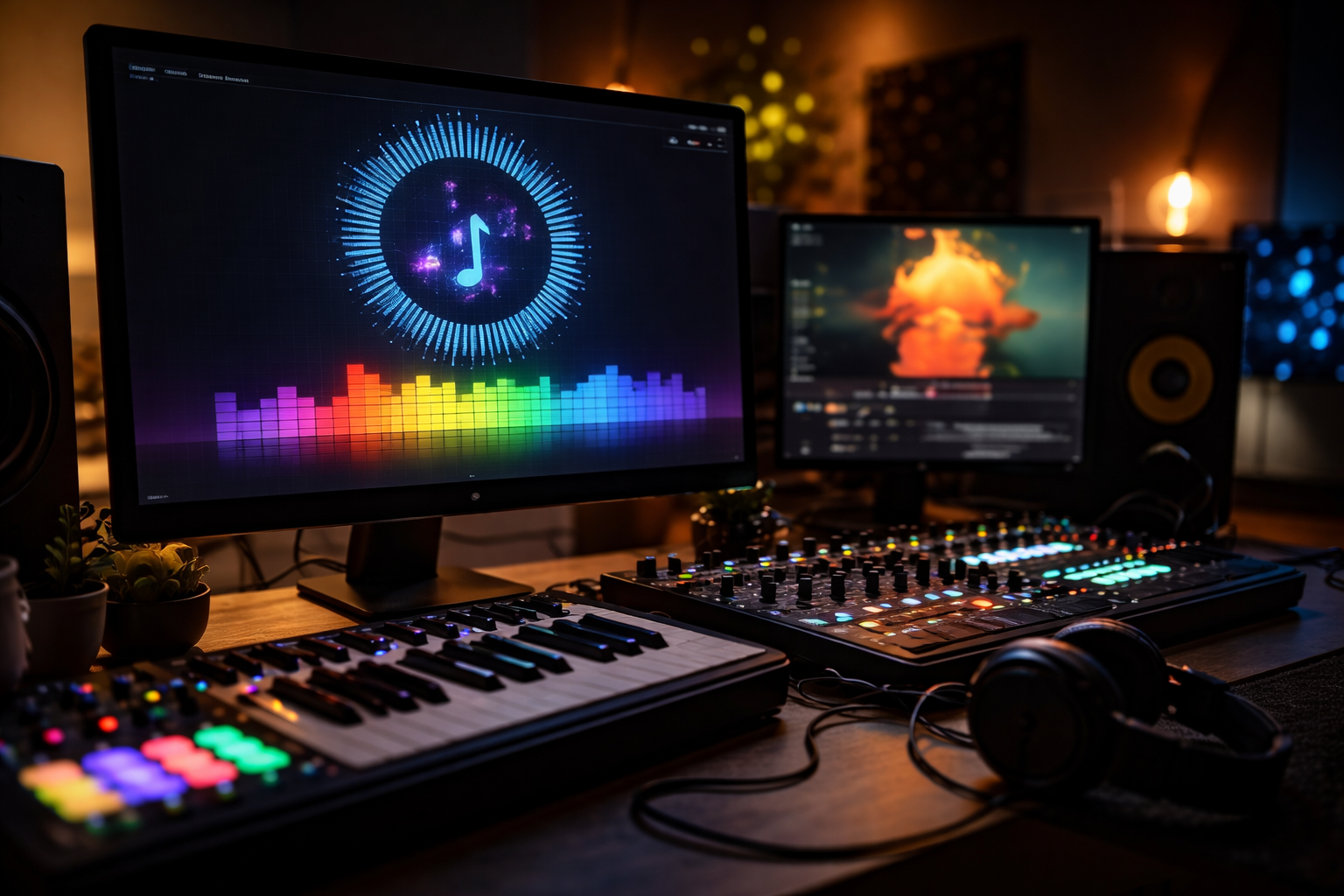
A strong audio visualizer makes viewers feel the rhythm before they even hear it.
Not all visualizers are built equally.
Here’s what separates premium, high-converting templates from generic ones:
The template must:
If it feels disconnected from the audio — it kills immersion.
Reels are vertical.
A high-quality template should include:
✔ 9:16 layout
✔ Safe text zones
✔ Balanced center composition
✔ Mobile-first framing
Landscape conversions don’t perform the same.
You should be able to adjust:
If you can’t customize quickly — it slows production.
Premium AEP files should include:
✔ Clearly labeled comps
✔ Color controllers
✔ Audio control layers
✔ Editable placeholders
✔ No messy layer stacking
Professional marketplaces like Earnedits focus on structured, editor-ready project files — not chaotic preset dumps.
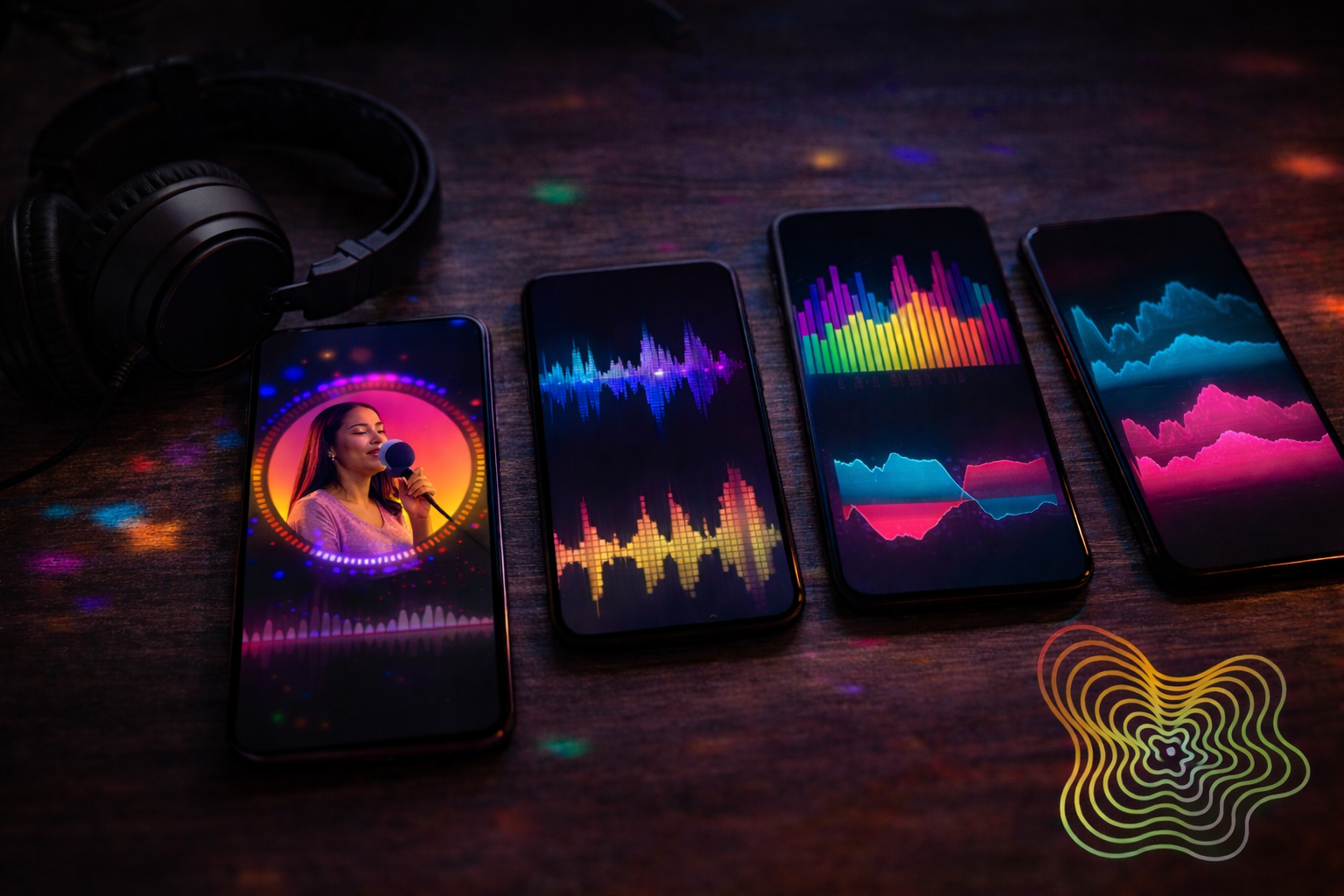
Let’s break down the highest-performing categories.
Best for:
Why they convert:
The circular motion keeps the eye centered — increasing watch time.
Best for:
Why they convert:
They communicate voice presence clearly without overwhelming visuals.
Best for:
Why they convert:
Particle bursts emphasize beat drops — amplifying emotional impact.
Best for:
Why they convert:
They create mood without distracting from message.
Pros:
Cons:
Pros:
Cons:
For editors scaling output, premium templates are often the smarter investment.
When searching for the best audio visualizer templates for reels, confirm they include:
✔ Audio amplitude pre-built
✔ Expression-driven animation
✔ Editable logo reveal option
✔ Vertical reel format
✔ Color control layer
✔ Background texture controls
✔ No required paid plugins
✔ Immediate download access
If a template lacks these — it’s not optimized for real production use.
Here’s a high-performance workflow:
High-energy music → dynamic reactive template
Podcast → minimal clean spectrum
Emotional music → glow-based visualizer
Energy alignment matters more than complexity.
Too sensitive → chaotic motion
Too low → lifeless animation
Fine-tune amplitude until movement feels natural.
Include:
Consistency increases recognition.
For reels:
Hook must appear within first 1–2 seconds.
Don’t let visualizers delay the message.
Yes — especially for music-driven reels and branded audio content.
The best ones avoid paid plugins and use native After Effects expressions.
Premium templates allow full branding customization.
When matched to energy and structured correctly — yes.
The best audio visualizer templates for reels aren’t about flashy motion.
They’re about:
✔ Beat alignment
✔ Visual clarity
✔ Platform optimization
✔ Branding consistency
✔ Fast editing workflow
If your content relies on sound, your visuals must react intelligently.
Premium, structured, reel-ready AEP visualizer templates give you that edge — helping you produce professional, scroll-stopping content without rebuilding complex audio systems from scratch.
Because in modern short-form content, rhythm isn’t optional.
It’s everything.

Explore more guides on After Effects project files and viral editing workflows.
Production-ready edits that teach you how they were built.