Back
Back

 Feb 27, 2026
 Muhammad Sikandar
After Effects templates are pre-built project files that give editors a production-ready starting point, complete with animations, effects, and placeholders, so they don’t have to build motion graphics from scratch. Templates come in three formats (.AEP, .AET, and .MOGRT), each with different levels of editing control.
Choosing the right template depends less on how the preview looks and more on the file’s structure, layer organization, plugin requirements, version compatibility, and whether the file is open enough to actually teach you something. The smartest editors are moving past closed templates entirely, toward fully open project files where every keyframe and expression is visible and editable.
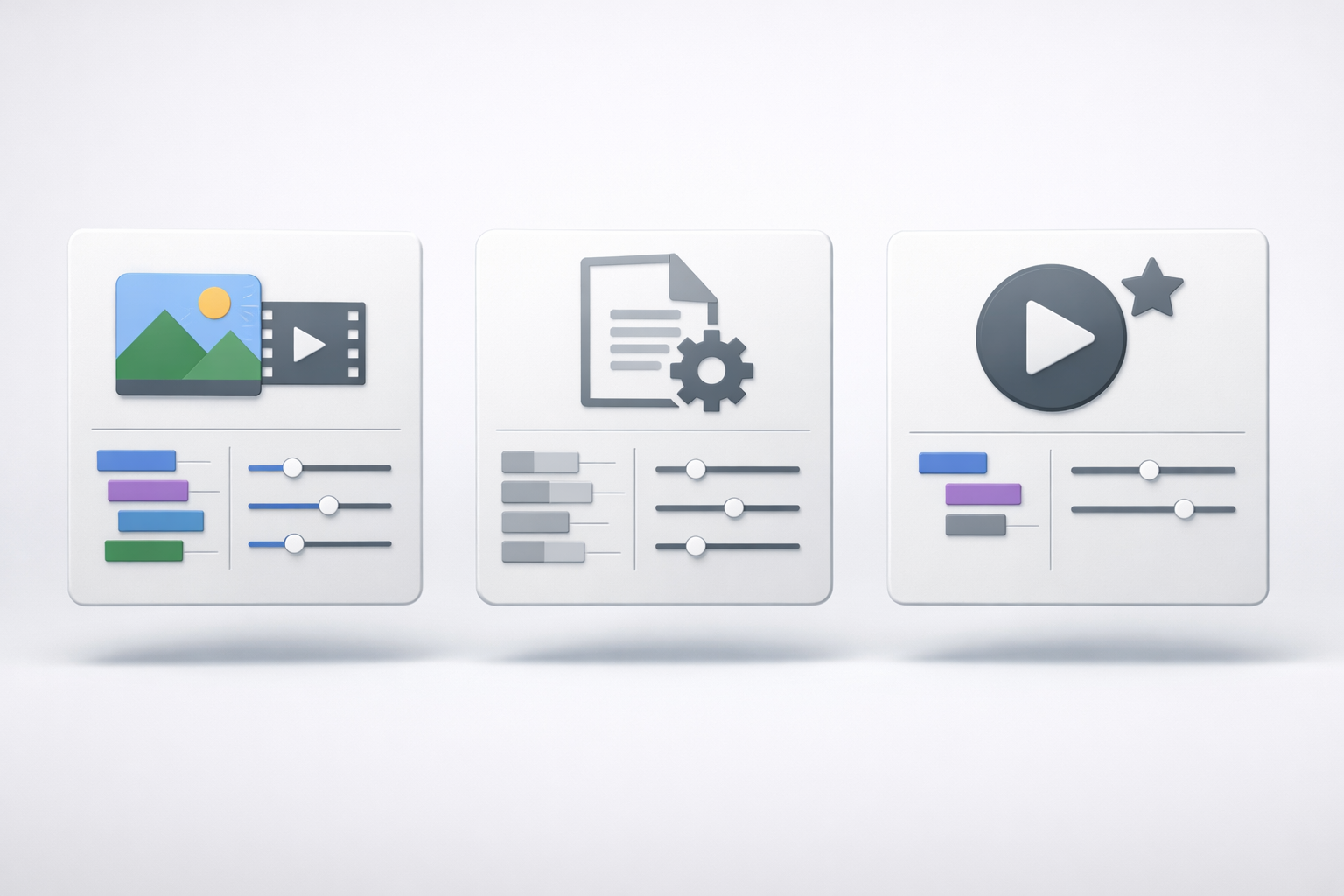
After Effects templates are pre-built Adobe After Effects project files containing organized compositions, animations, effects, and media placeholders that editors customize with their own footage, text, and branding.
Instead of keyframing a logo reveal from an empty timeline, you open a template, swap the placeholder logo, adjust colors, and render. What would take 4–6 hours from scratch takes 15 minutes with a well-built template.
But not all templates are the same file type. There are three formats, and knowing the difference saves you from downloading something you can’t use.
AEP (After Effects Project): The industry standard. A full project file giving you access to every layer, keyframe, composition, and effect. Nearly every independent marketplace delivers templates as .aep files. You open it in After Effects with complete editing control.
AET (After Effects Template): Found on Adobe Stock. Functionally identical to .aep, but opens as an untitled project so you can’t accidentally overwrite the original.
MOGRT (Motion Graphics Template): Designed for Adobe Premiere Pro’s Essential Graphics Panel. You load .mogrt files into Premiere and edit through simplified sliders for text, color, and timing. Convenient for quick changes, but you can’t access individual layers or keyframes.
If you want full control over what you’re editing, and the ability to learn from how the file was built, .AEP is the format that matters.
After Effects templates span dozens of categories, but the types that drive real results for modern editors fall into six groups, each serving a different stage of video production.
| Template Type | Best For | Common Use Case |
| Intro / Opener | Channel branding, first impressions | YouTube intros, podcast openers |
| Text Animation | Viewer retention, emphasis | Reels captions, kinetic typography |
| Slideshow | Photo and video montages | Wedding recaps, portfolio showcases |
| Logo Reveal | Brand identity motion | Client deliverables, social branding |
| Lower Thirds | Information overlays | Podcasts, interviews, news-style reels |
| Social Media / Promo | Short-form performance | TikTok, Instagram Reels, YouTube Shorts |
Here’s what most template marketplaces get wrong: they organize libraries around corporate presentations, cinematic openers, and wedding slideshows. Those categories matter, but the fastest-growing demand comes from editors working in short-form vertical video, in the 9:16 aspect ratio, under 15 seconds, with pacing synced to audio.
If you’re editing reels or shorts, you’ve probably noticed this mismatch. You search “After Effects templates” and get results designed for 16:9 corporate timelines. The template types that match social-first workflows, fast transitions, bold text animation, and trend-driven pacing are underrepresented on most platforms.
Real Projects. Built Around What Actually Performs.
EarnEdits offers After Effects projects based on viral editing styles, with open .AEP files for you to study, re-edit, and customize for engagement.
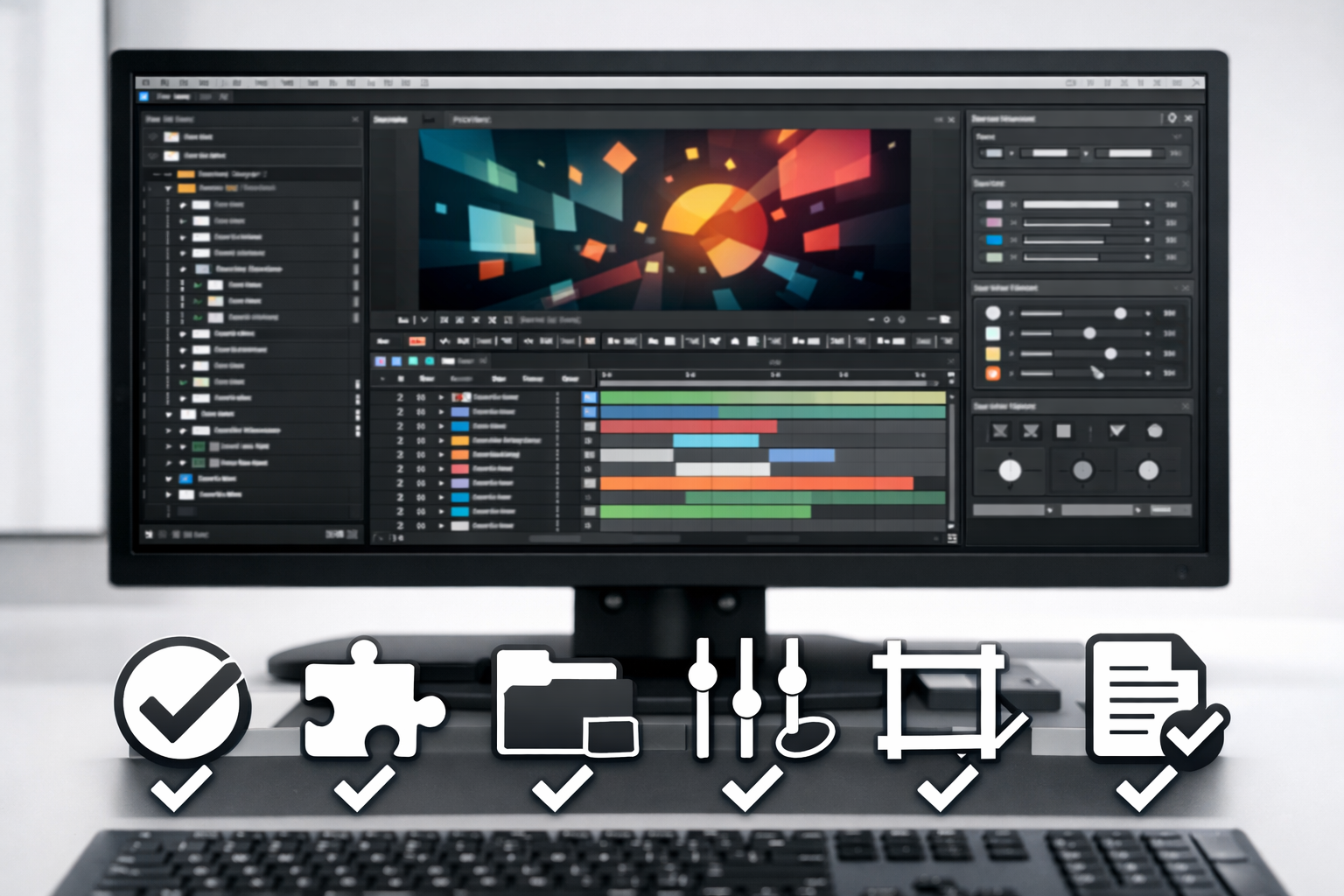
A polished preview video means nothing if the template’s layer structure is locked, the plugins cost extra, or the file won’t open in your version of After Effects.
Before you commit to any download, free or paid, run through these six checks:
1. Version Compatibility: After Effects files are forward-compatible but not backward-compatible. A template built in AE 2026 won’t open in AE 2023. Always confirm which version the file requires before purchasing.
2. Plugin Requirements: Some templates rely on third-party plugins like Trapcode Particular or Element 3D. If you don’t own those plugins, the template becomes unusable, or you’re facing an unexpected $200+ add-on. Look for files labeled “no plugins required.”
3. Layer Organization: Open the project panel before you start editing. If folders aren’t labeled, layers are unnamed (“Layer 47,” “Comp 12”), and compositions are nested five levels deep, you’ll waste more time navigating than editing.
4. Control Layer: Quality templates include a single control composition with color pickers and toggle switches that update the entire project at once. Without this, changing a single color means manually digging through 30+ separate compositions.
5. Resolution and Aspect Ratio: 4K (3840×2160) is standard for flexibility. But if you’re editing for social platforms, confirm the template also includes vertical (9:16) or square (1:1) compositions. A 4K widescreen file won’t help you make reels.
6. Licensing Terms: Single-use restricts you to one project. Commercial licenses allow broader use. Read the fine print on broadcast and resale rights if the video is a client deliverable.
These checks help you pick a functional template. But even a perfectly organized template has a limitation most editors don’t think about until they hit it.
Most After Effects templates are designed to be used, not understood, and that gap limits how much an editor actually grows from working with them.
Here’s the pattern: you download a template, replace the placeholder text, swap the logo, adjust a color, and render. The output looks polished. But you didn’t learn how the animation was keyframed. You can’t see how expressions drive the motion because those layers are pre-comped, pre-rendered, or buried in locked compositions.
This is the “black box” problem. The template delivers a finished look, but the editor walks away with nothing transferable. Next time you need a similar effect, you’re back to searching for another template, because the first one never taught you the technique behind it.
For editors who only need fast output, closed templates work. But for editors building real motion design skill, learning effect stacking, easing curves, and expression-driven animation, closed templates create a ceiling.
Open After Effects project files give editors full access to every layer, keyframe, and expression, turning each file into both a production tool and a hands-on lesson.
“Open” means no locked layers, no pre-rendered shortcuts hiding the real work, and no nested compositions that obscure how the animation was built. Every creative decision the original editor made is visible and editable.
The difference in practice is significant:
You learn real technique: Instead of guessing how a smooth zoom transition was built, you open the timeline and see the exact keyframe spacing, the easing curve applied, and how motion blur was handled. You’re reverse-engineering proven motion design, not watching a tutorial about it.
You customize faster: When you understand a project’s structure, deep edits take minutes instead of hours. You’re not fighting someone else’s locked logic or decoding unnamed layers.
You build transferable skills: Once you see how a beat-synced cut was timed across three compositions, you carry that technique into your next original project. The file teaches you something permanent, not just gives you one render.
The progression for most editors looks like this: closed templates for quick output → open project files for learning by doing → building original edits from scratch. Open project files are the bridge between relying on someone else’s work and creating your own.
This is why platforms like EarnEdits build every file as a fully open .AEP project around viral edit styles that perform on social platforms. The goal isn’t to give you a file you render once; it’s to give you a file you learn from every time you open it.
The After Effects template marketplace spans free libraries to subscription-based platforms, each with different trade-offs in quality, licensing, and file openness.
Subscription platforms like Envato Elements and Motion Array offer volume, thousands of templates for a monthly fee. Good for studios needing variety.
Pay-per-item marketplaces like VideoHive and FilterGrade let you purchase individual files. Quality varies, so you’re evaluating each file individually.
Free sources like Mixkit and MotionElements offer basic templates. Useful for simple projects, though customization depth is limited.
Open project file platforms like EarnEdits take a different approach, fully open .AEP files built around proven viral edit styles, with every layer and effect accessible for learning and production.
For a deeper breakdown of safe download sources or guidance on where to buy After Effects project files, those guides cover each option in detail.
Stop Guessing. Start Editing With Files That Teach You.
Every project on EarnEdits is a fully open After Effects file built from real viral edits, organized timelines, labeled layers, and zero locked effects. Study the workflow. Customize every element. Export a finished reel in minutes.
Explore the Library →
A template is a pre-organized project file built for quick customization, with placeholders, control layers, and labeled folders. A raw project file is any .AEP work file. Open project files combine both: production-ready structure with full layer access for learning and deep editing.
Only .MOGRT files work directly in Premiere Pro through the Essential Graphics Panel. Standard .AEP templates require Adobe After Effects to open and edit before exporting or dynamically linking into your Premiere timeline.
Some templates require third-party plugins, such as Trapcode Particular or Element 3D. Always check the file description before purchasing. Files labeled "no plugins required" use native After Effects tools and work without additional software.
Free templates from verified platforms like Mixkit or MotionElements are generally safe. Avoid unverified Telegram groups or random file-sharing links; these often contain corrupted files or licensing issues.
4K (3840×2160) gives the most flexibility for cropping and scaling. If you're editing for social platforms, confirm the template includes vertical (9:16) and square (1:1) compositions, in addition to the standard widescreen version.

Explore more guides on After Effects project files and viral editing workflows.
Production-ready edits that teach you how they were built.