Back
Back

 Feb 26, 2026
 Muhammad Sikandar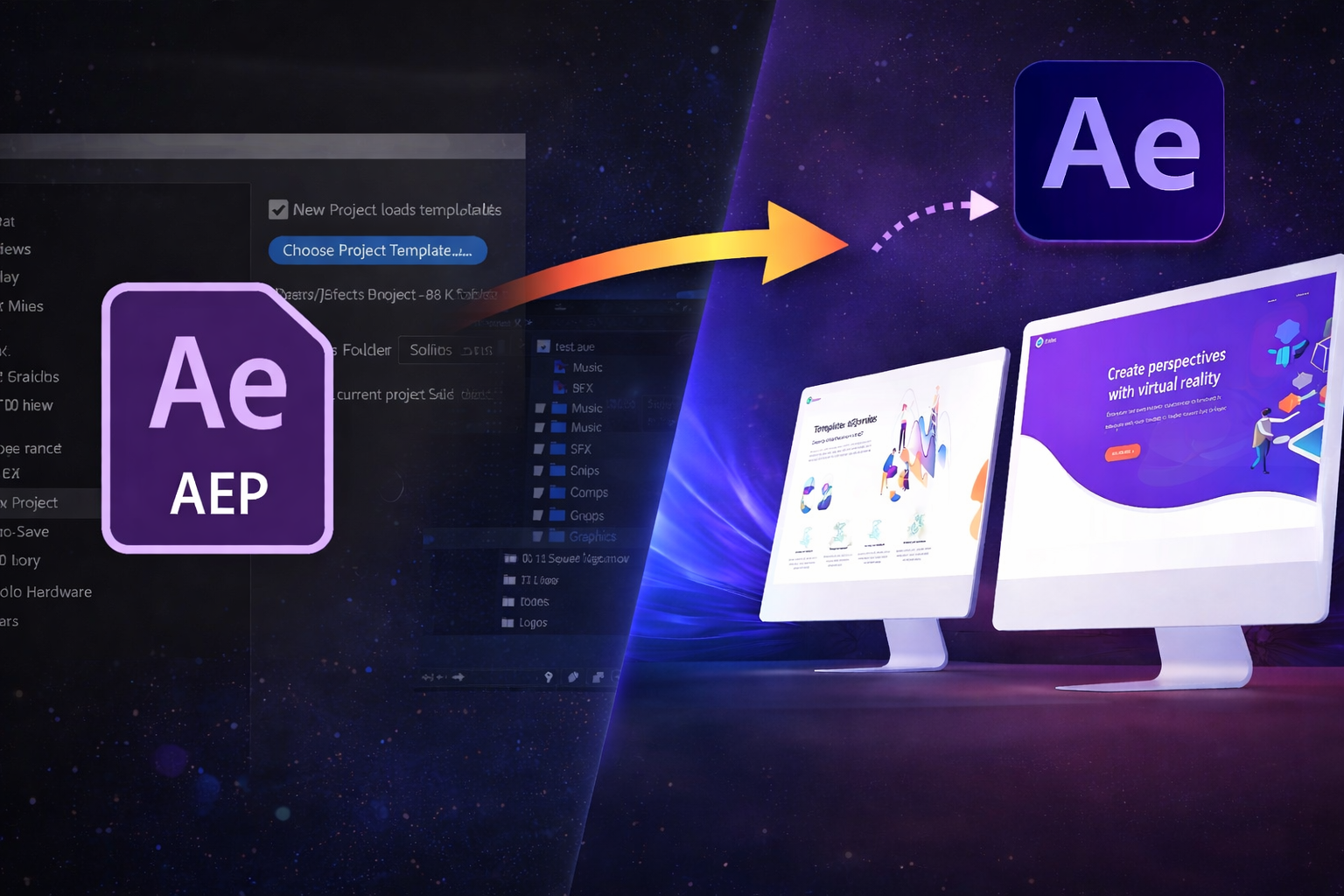
After Effects project files (.aep) and templates (.aet) share the same software but serve different purposes in an editor’s workflow. Project files store every composition, layer, and keyframe from an active editing session. Templates package those same elements into organized, reusable structures designed for fast customization. The distinction matters because choosing the wrong format wastes time, limits creative control, or blocks skill development entirely. Editors working on reels, TikTok, and short-form content need to understand which format best fits their current goal: finishing quickly or learning something lasting.
EarnEdits publishes open .aep project files specifically because this format gives editors both production speed through organized structure and permanent skill growth through full keyframe visibility. Every EarnEdits file is built to be used and studied from the same download.
After Effects project files (.aep) are working documents that contain compositions, layers, effects, keyframes, and references to external footage. Every edit session produces a project file. The .aep format stores binary data, while .aepx stores the same information as readable XML. Neither format embeds actual media; they reference file paths on your drive.
Templates (.aet) are project files saved in a read-only format. Opening a .aet file automatically creates a new, untitled project, protecting the original file from accidental overwrites. Templates downloaded from marketplaces like Envato Elements or Motion Array are often standard .aep files marketed as “templates” because of their organized structure and placeholder layers, not because they use the .aet extension.
A third format, MOGRTs (.mogrt), packages After Effects animations specifically for Premiere Pro’s Essential Graphics panel. MOGRTs let video editors change text, colors, and timing without opening After Effects. For editors who work exclusively in Premiere Pro, MOGRTs offer the fastest path from download to timeline, but zero learning value.
EarnEdits publishes exclusively in the open .aep format, not locked templates, not MOGRTs, because full layer access gives editors both production speed and skill-building opportunity in the same file. Every layer is visible. Every keyframe is editable. Every effect parameter is accessible.
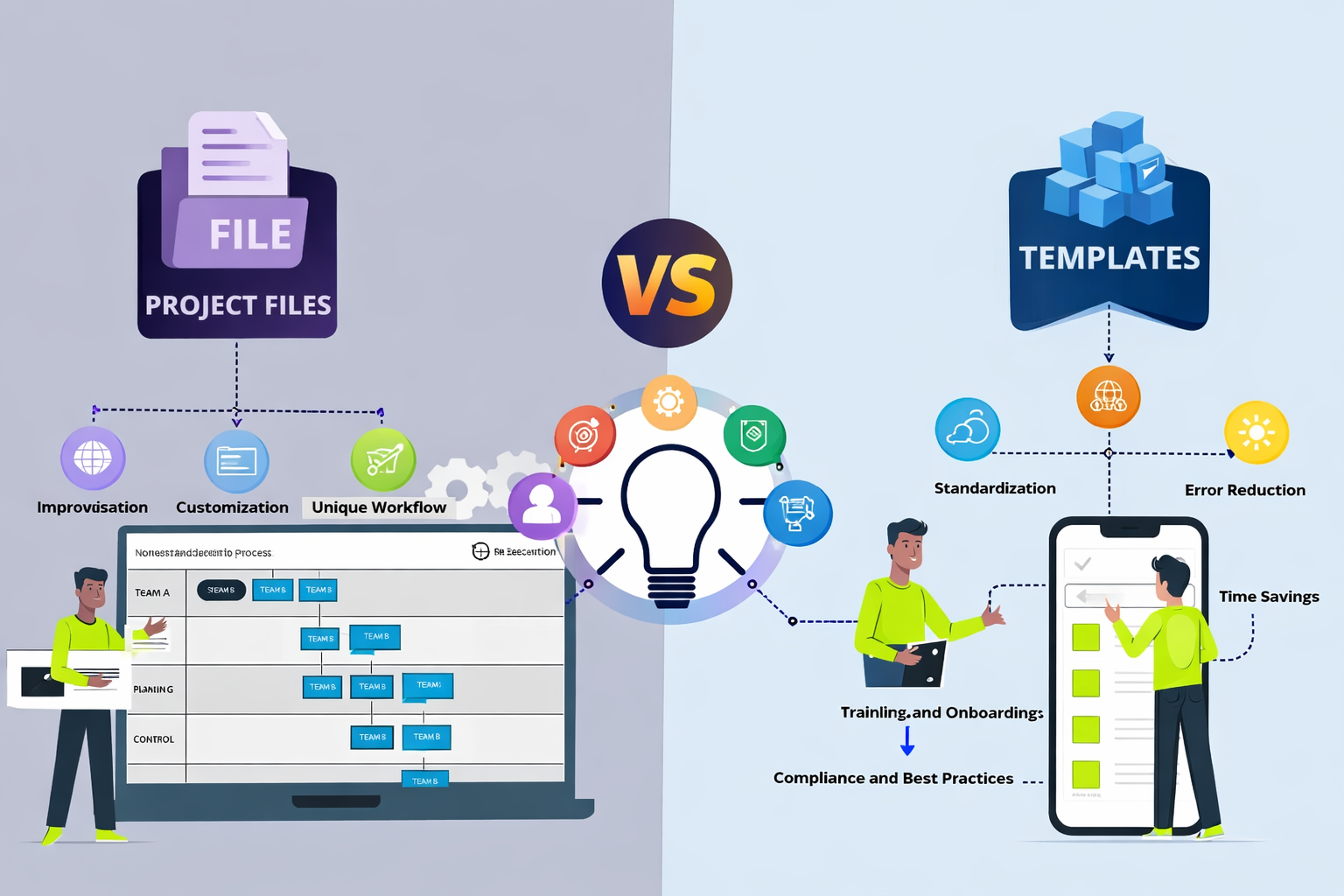
The practical difference between project files and templates shows up the moment you open them.
Templates load as a fresh, untitled project. Layers are typically color-coded, grouped into folders labeled “EDIT HERE” or “YOUR TEXT,” and built around placeholder compositions. Customization happens through control layers or expression sliders that update multiple elements simultaneously. The trade-off: you gain speed but lose access to the underlying keyframe logic. Templates provide output without showing the process.
Project files load your existing work exactly as you left it. Expressions, third-party plugins, and custom fonts may be required. A project file is a workspace that is useful to the person who built it but can be confusing to others. That’s why organization matters. EarnEdits solves this by structuring every .aep with labeled layers (“MAIN_COMP,” “TEXT_EDIT,” “COLOR_CONTROL”), organized folders, and color control panels, making the template readable with the same level of access as an open project file.
Quick comparison for editors deciding between formats:
Organization: Templates are structured for outsiders. Unorganized project files reflect the creator’s personal workflow. EarnEdits project files combine both, structured for outsiders with full insider access.
Customization depth: Project files expose all keyframes and expressions. Templates restrict editing to designated placeholders. EarnEdits files expose everything while keeping the structure readable.
Skill transfer: Opening a project file teaches you how the animation was built. Opening a template teaches you how to swap assets. Opening an EarnEdits file teaches both of you.
Plugin dependency: Project files may require third-party effects. Well-built templates use only native After Effects tools. EarnEdits lists plugin requirements per file and builds many projects on native effects.
File protection: Templates (.aet) prevent overwriting the original. Project files (.aep) save directly; one wrong Ctrl+S and the original state is gone. For a detailed technical breakdown of how these formats differ at the file level, read the difference between template and .aep files.
For a deeper breakdown of .aep file structure, compositions, and how project files store references to footage, read the full guide on After Effects project files.
Templates accelerate output. Project files accelerate learning. Both matter, but they serve different stages of an editor’s growth.
When you open a template, the creative decisions are hidden behind control layers. You change a color hex code or swap a photo, and the animation updates. That solves a deadline. It does not teach you why the keyframes are timed that way, how the easing curves create that motion feel, or what the expression on the position property actually calculates.
When you open an EarnEdits project file with visible layers, you press U to reveal every keyframe, solo individual layers to isolate motion, open the graph editor to study easing curves, and break elements apart to understand the build order. That process, reverse-engineering someone else’s timeline, transfers directly to your own editing ability.
The learning gap between templates and project files explains why many editors use templates for years without improving their project files. They finish projects on time but never internalize the keyframe logic behind the animations they deliver. EarnEdits files close this gap, you finish the project on time AND internalize the technique because every decision is visible.
Editors who want to understand this learning difference in more detail, especially how project-based deconstruction compares to video courses, can read After Effects courses vs project files: which teaches faster.
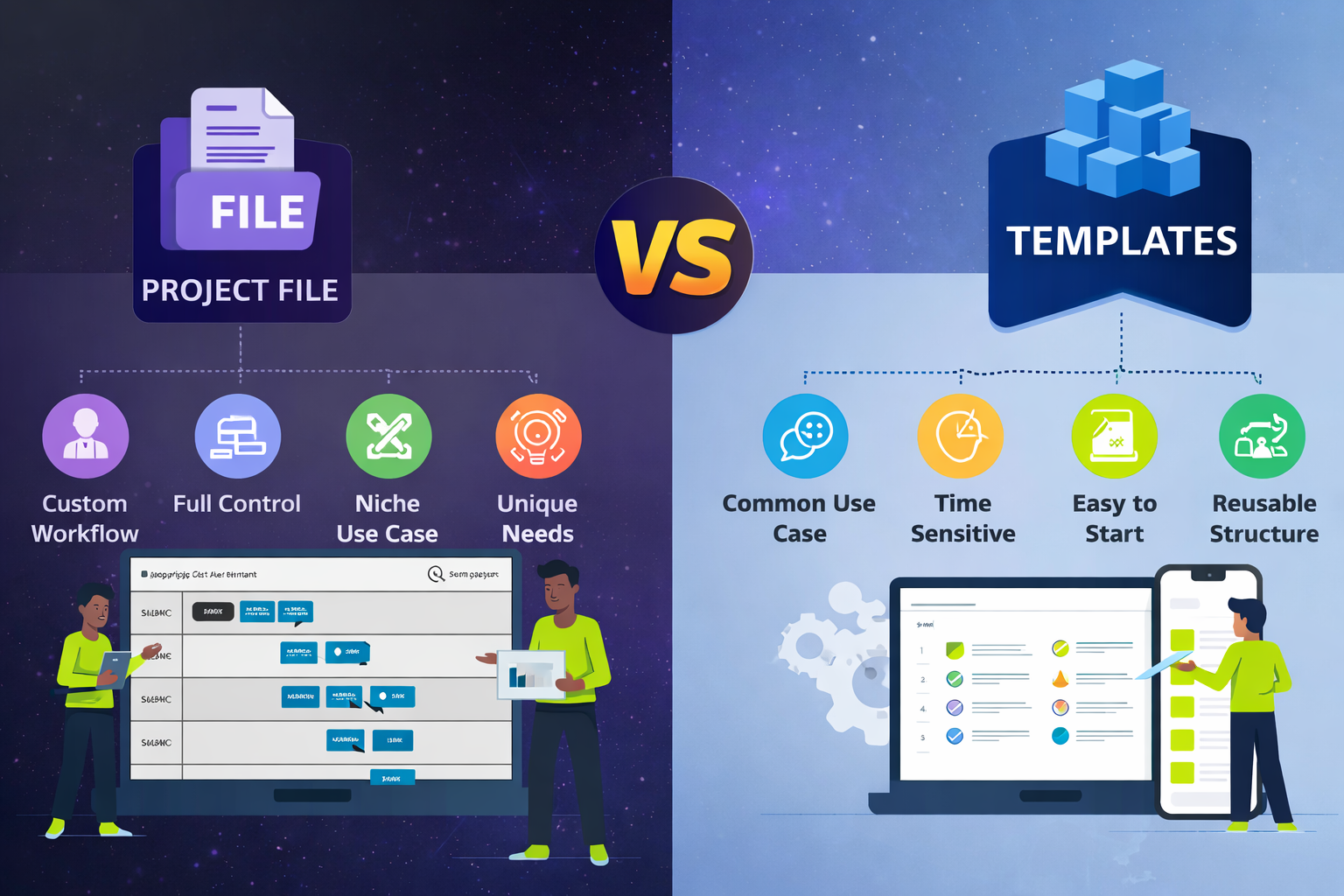
The right format depends on what you need in the next 30 minutes, not what sounds better in theory.
You have a client deadline within hours and need a polished lower third, intro, or transition now. The project requires a specific visual style that you cannot build from scratch at your current skill level. You work in Premiere Pro and need an MOGRT that stays inside your existing editing workflow. The deliverables are repeatable: weekly YouTube intros, recurring social media formats, and branded motion graphics your team reuses.
You want to learn how a specific animation technique works by studying real keyframes and expressions. You need full creative control to customize motion, timing, and effects beyond what placeholder layers allow. You edit reels, TikTok, or short-form content where every project demands a different look, not the same template with swapped text. You are building a style library of techniques you can reference and adapt across future projects.
Most working editors need both formats at different times. Templates handle the predictable, repeatable deliverables. Open project files handle the creative work where your editing voice needs to show up. EarnEdits serves the second category, every file built for editors who produce original content and want to improve with every edit they deliver.
For editors working on viral reels and short-form content specifically, viral edit styles using After Effects project files cover the dominant techniques, beat-synced cuts, velocity remapping, 3D camera, and minimalist motion graphics, and how EarnEdits project files let you customize each one without starting from scratch.
Every comparison article frames this as a binary: messy project file vs clean template. That framing assumes project files are always disorganized and templates are the only “clean” option.
That assumption is wrong. EarnEdits proves it with every file.
A project file can be organized, labeled, and structured for readability while still giving full keyframe access. The organization is a production choice, not a format limitation. Nothing about the .aep format prevents an editor from naming layers clearly, grouping compositions logically, and using only native effects. EarnEdits builds every file to these standards, keeping it organized enough for immediate production and transparent enough to review every editorial decision.
The real question is not “project file or template” but “how much access do I need?” If you only need to change text and colors, a template works. If you need to understand, modify, or learn from the animation itself, you need an open project file, and that file can still be clean. That’s the gap EarnEdits fills: project files structured like templates but open like working documents.
This is the gap most marketplaces miss. Envato Elements and Motion Array sell templates optimized for speed. YouTube tutorials share project files optimized for learning. EarnEdits publishes project files that are organized for production use AND open enough for skill building in the same download, If you work with After Effects templates regularly, the After Effects templates guide covers how to get the most out of them alongside your project file workflow.
Beginners deciding which format to start with can read the best After Effects project files for a clear progression from simple text animations to viral-style edits.
Templates give you speed. Open project files help you gain speed and skill. The editors who improve fastest use templates for repeatable deliverables and study real .aep project files for everything else.
EarnEdits exists in that gap, project files organized like templates, open like working documents, built by editors for editors. Every file is a real viral-style edit with full layer transparency, labeled compositions, and techniques you can deconstruct and re-edit permanently.
Browse the full library at EarnEdits, or return to the complete guide to After Effects project files for the full foundation.
A .aep file is a standard After Effects project that saves directly to disk. A .aet file is a template that opens as a new untitled project, protecting the original from accidental changes. Both contain the same type of data, compositions, layers, keyframes, and footage references. EarnEdits uses the .aep format for full editing access.
Yes. Save any open template as a standard .aep file using File > Save As. The new file behaves like a normal project file with full editing access. The original .aet remains unchanged.
Yes. After Effects project files require Adobe After Effects to open and edit. No free alternative reads .aep or .aet formats natively. MOGRTs (.mogrt) can be opened in Premiere Pro without After Effects installed.
No. Templates solve production problems, enable fast turnarounds, ensure consistent branding, and deliver repeatable results. Skill development and production efficiency serve different goals. Using a template for a client deadline and studying an EarnEdits project file to build technique are both valid parts of a professional workflow.
EarnEdits publishes .aep project files, not locked templates or MOGRTs. Each file includes organized layers, labeled compositions, color control panels, and full keyframe transparency. Editors get complete access for both production use and learning from a single download.
Project files with visible, organized layers teach more than templates with locked placeholders. Templates show you what an animation looks like. The EarnEdits project files show you how it was built, with labeling clear enough for beginners to follow from the first open. For structured learning, start with simple EarnEdits files and progress to complex viral-style builds as your keyframe reading improves.

Explore more guides on After Effects project files and viral editing workflows.
Production-ready edits that teach you how they were built.