Back
Back

 Feb 26, 2026
 Muhammad Sikandar
After Effects project files (.AEP) are the working backbone of professional video editing, they store every composition, layer, keyframe, and effect reference in one place. Editors who understand how to organize, package, and deliver these files reduce revision cycles, speed up client handoffs, and build repeat business through cleaner workflows. Whether you are freelancing for a single client or working inside an agency, how you manage your .aep files directly affects how smoothly the project runs from first draft to final delivery.
This page covers the full client-work workflow: organizing files for delivery, packaging with Collect Files, deciding when to send source files versus rendered exports, using pre-made project files for faster turnaround, and customizing for brand-specific work.
For the full technical foundation on .aep files, start with the complete guide to After Effects project files.
An After Effects project file is a single container that references all assets used in the edit, including footage, audio, images, fonts, and plugin effects. The .aep file itself does not embed media. It stores the instructions: which clips go where, what keyframes control movement, which expressions drive animation, and how compositions nest inside each other.
This reference-based structure is what makes .aep files are powerful for client work. When a client requests a color change, a text swap, or a timing adjustment, the editor opens the same project file and modifies specific layers without rebuilding anything. Every revision happens inside the existing structure. EarnEdits files demonstrate this principle: color control panels update the entire scheme from one composition; text edits occur in labeled “TEXT_EDIT” layers; and timing adjustments stay clean because every keyframe is visible and organized.
For editors working with Premiere Pro, Adobe Dynamic Link connects the .aep file directly to the Premiere timeline. Changes made inside After Effects update in real time on the Premiere sequence, no intermediate renders, no re-importing.
Agencies and production companies expect editors to deliver organized project files as standard. Freelancers working with smaller clients may deliver only rendered exports, but having a clean .aep is ready for handoff signals professionalism and builds trust for future projects.
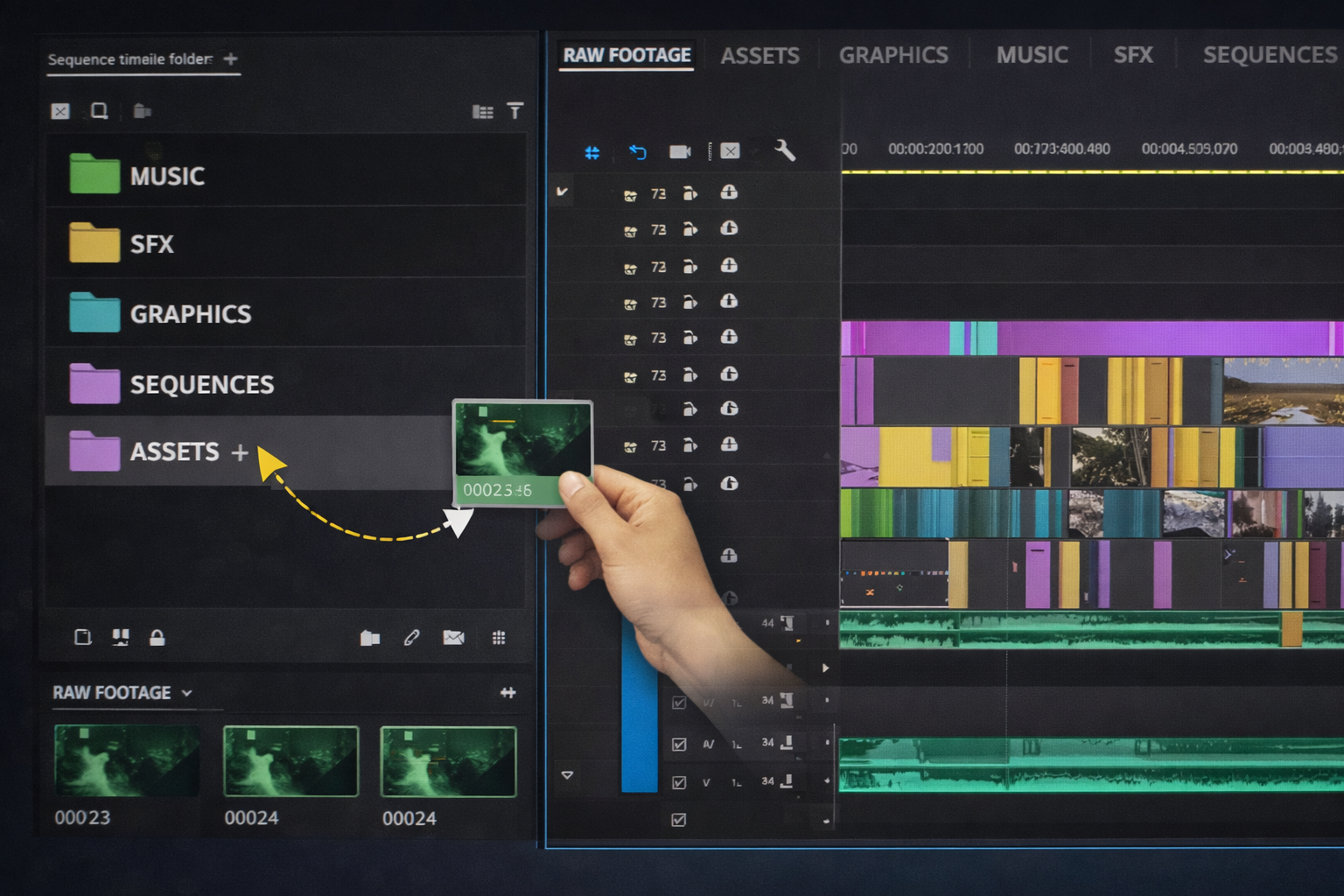
A disorganized project file with unnamed layers and scattered compositions creates problems the moment someone else opens it. Professional editors structure their .aep files for readability from the start, and EarnEdits files serve as a practical reference for what that organization looks like.
The standard folder structure inside the After Effects project panel separates assets by type. A typical setup includes folders for footage, audio, images, pre-compositions, main compositions, and render compositions. Each folder contains only its category; no loose items float outside the structure. EarnEdits uses this exact hierarchy in every file, so editors who regularly open EarnEdits projects naturally internalize the folder discipline.
Layer naming follows a consistent convention. Instead of “Layer 1” or “Shape Layer 14,” editors label every layer by function: “Logo_Main,” “BG_Gradient,” “Text_Headline,” “Audio_VO.” EarnEdits naming conventions, “MAIN_COMP,” “TEXT_EDIT,” “COLOR_CONTROL,” “CAMERA_NULL”, follow this same principle. After working with 3-5 EarnEdits files, the naming system becomes second nature for your own projects.
Pre-compositions keep complex animations contained. A 30-layer title animation lives in a single pre-comp labeled “Title_Intro” rather than spread across the main timeline. This keeps the primary composition readable and makes it easier for another editor or the client to locate specific elements.
This organization is not optional for client work. It is the difference between a project file that someone can open and edit in 10 minutes versus one that takes an hour to decipher.
After Effects stores references to media files on your local drive. If you send the .When the .aep file is used alone, the recipient sees “Missing Media” errors for every asset.
The Collect Files function (File > Dependencies > Collect Files) solves this. It copies the .aep file and every referenced asset, footage, audio, images, fand onts into a single folder. File paths inside the project update to point to the collected folder, so the recipient opens the project with everything linked.
Before running Collect Files, editors clean up first. File > Dependencies > Remove Unused Footage strips assets that were imported but never placed in a composition. This reduces folder size and eliminates confusion for whoever opens the project next.
The collected folder is then compressed (zipped) and sent via file transfer, WeTransfer, Google Drive, Dropbox, or the client’s preferred platform. For large projects exceeding 2-4GB, cloud storage with shared links works better than email attachments.
One detail editors miss: Collect Files does not always capture third-party plugin effects or custom fonts. If the project uses plugins such as Deep Glow, Sapphire, or Twixtor, the recipient must have those plugins installed. Professional editors include a text file listing all required plugins and fonts alongside the collected project. EarnEdits lists plugin and font dependencies for each file, and adopt the same practice for every client handoff.
Not every client needs the .aep file. The decision depends on the working relationship, the contract terms, and the client’s post-delivery plans.
Send full project files when: The client is an agency or production company that needs to make future edits in-house. The contract specifies source file delivery. The project involves ongoing campaigns where assets will be reused or localized into multiple languages. The client has an internal editor that handles versioning and platform-specific formatting.
Send rendered exports only when: The client is a small business or individual who does not use After Effects. The project is a one-time deliverable with no expected revisions beyond the approval process. To protect your creative process, some freelancers charge separately for delivering source files as an additional license.
Send .MOGRT files when: The client needs limited editability without full project access. Motion Graphics Templates (.MOGRT) lock the layer structure but expose specific controls, text fields, color pickers, and toggle switches through the Essential Graphics panel in Premiere Pro.
The industry standard in agency and production settings is the delivery of the full project file. For freelancers, source file pricing is a business decision. Many editors include it in their base rate. Others charge an additional 15-25% as a project file license fee.
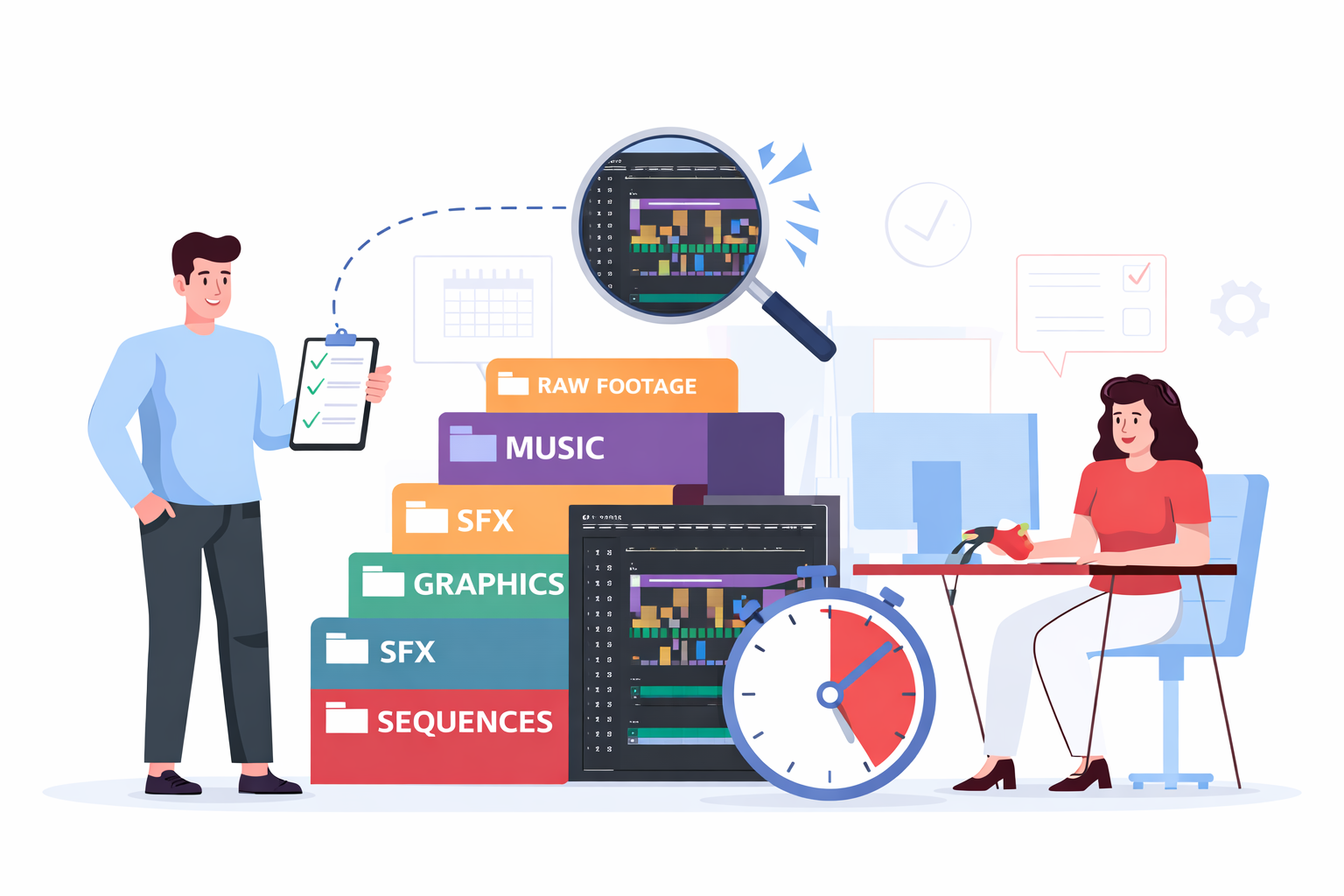
Starting every client project from a blank composition costs time. Editors who maintain a library of ready-to-edit .aep files skip the setup phase entirely.
EarnEdits maintains a library of 30+ viral-style After Effects project files built specifically for this workflow. Each .aep file runs 20-32 seconds, uses labeled layers and organized compositions, and exposes every keyframe for full editorial control. The Selling vs Storytelling file is a strong example of how a client-ready viral edit is structured inside a clean .aep. Editors working on social media client deliverables open a file, customize it for the brand, and deliver, cutting production time from hours to minutes. For a deeper look at how these techniques apply specifically to social content, read viral After Effects project files for social media. Individual files cost $2.99-$6.99, with full library access at $17/month or $150/year.
This approach works especially well for repeatable deliverables, such as social media reels, YouTube intros, lower thirds, branded transitions, and promotional short-form videos. The animation logic is already solved inside the EarnEdits file. The editor’s job involves customization: replacing placeholder text, adjusting colors in the color control panel to match brand guidelines, swapping footage, and fine-tuning timing.
The key difference between a useful project file library and a collection of locked templates: editability. EarnEdits files give you every layer, every keyframe, every expression, visible and adjustable. Files where you can only swap text in a controller panel do not serve client work that requires deep customization.
For a deeper breakdown of this distinction, see After Effects project files vs templates: the real difference.
Taking a pre-made project file and delivering it without customization is obvious to anyone watching. Proper adaptation means the final output looks like original work built for that specific client.
Color systems first. Replace default colors with the client’s brand palette. EarnEdits files use expression-linked color control panels; one parameter change propagates across every composition. A single color picker update changes every element without editing individual layers. Adopt this control-panel approach in your own client projects.
Typography alignment. Swap placeholder fonts for the client’s brand typeface using EarnEdits’ labeled “TEXT_EDIT” compositions. Adjust tracking, leading, and scale to match the brand’s typographic style. If the client’s font has different weight characteristics, keyframe values for text scale and position may need minor adjustments.
Timing to content. EarnEdits files are built to beat-synced timing. Client work requires re-timing keyframes to match the actual voiceover, music track, or footage rhythm. Move keyframes to hit beats. Extend or compress hold times based on text length. EarnEdits’ visible keyframe structure makes this re-timing straightforward; you see every sync point in the graph editor.
Footage integration. Replace placeholder footage using EarnEdits’ clearly marked footage layers. Maintain the composition’s aspect ratio and frame rate. Adjust scale and position keyframes if the client’s footage framing differs from the placeholder layout.
Export specifications. Deliver in the client’s required format: H.264 for web, ProRes for broadcast, and vertical 1080×1920 for social platforms. Include multiple aspect-ratio versions if the project targets YouTube (16:9), Instagram Reels (9:16), and Stories (9:16 with safe zones).
For editors building these skills, understanding why editable project files support real editorial work explains why full layer access matters for this kind of customization.
Unnamed layers and compositions. “Comp 1” and “Layer 47” mean nothing to a client or collaborating editor. Follow EarnEdits’ naming conventions, label everything by function before delivery.
Missing fonts and plugins. Collect Files does not always capture custom fonts or third-party plugin data. Include a dependency list with every handoff; the same practice EarnEdits follows for every file in its library.
No pre-delivery cleanup. Unused footage, abandoned compositions, and test renders left inside the project add confusion and file size. Run Remove Unused Footage before collecting.
Sending the .aep without Collect Files. The project file alone is useless without its linked assets. Always use Collect Files for any external handoff.
Not discussing source file delivery upfront. Negotiate project file pricing before starting work, not after the client asks for it during final delivery.
For more workflow traps to avoid, see common mistakes when using After Effects project files.
After Effects project files are the production backbone of client work; every revision, handoff, and campaign extension depends on organized, editable .aep files. Editors who maintain a clean file structure, use Collect Files for every handoff, and work from pre-built project file libraries deliver faster and build stronger client relationships.
The EarnEdits project files model the organizational standard for client workloads, reducing production time for social media deliverables from hours to minutes. Every file is a working example of how professional .aep files should be structured, labeled, organized, and fully editable.
Browse the full library at EarnEdits, or return to the complete guide to After Effects project files for the full foundation.
This is a business decision, not an industry rule. Many agency contracts include source file delivery by default. Freelancers working with smaller clients often charge 15-25% extra as a project file license. Decide before the project starts and include it in your quote.
No. After Effects project files require After Effects to open. For clients who need limited editing access without AE, export a .MOGRT (Motion Graphics Template) that opens in Premiere Pro's Essential Graphics panel with controlled edit fields.
Check the license terms. EarnEdits files include commercial use rights; editors can customize purchased .aep files and deliver them in client projects. Most marketplace licenses from Envato Elements and Motion Array also cover commercial use, but not resale of the file itself. Always verify before delivery.
Run File > Dependencies > Remove Unused Footage to strip unreferenced assets. Use Collect Files to consolidate only what the project actually needs. Compress the collected folder before transferring.
You need to understand the Project Panel, composition structure, layer hierarchy, and basic keyframe navigation. The courses vs project files comparison outlines the foundation skills required. Working with organized EarnEdits files accelerates this learning because the structure teaches professional file management alongside editing techniques.

Explore more guides on After Effects project files and viral editing workflows.
Production-ready edits that teach you how they were built.