Back
Back

 Feb 27, 2026
 Muhammad Sikandar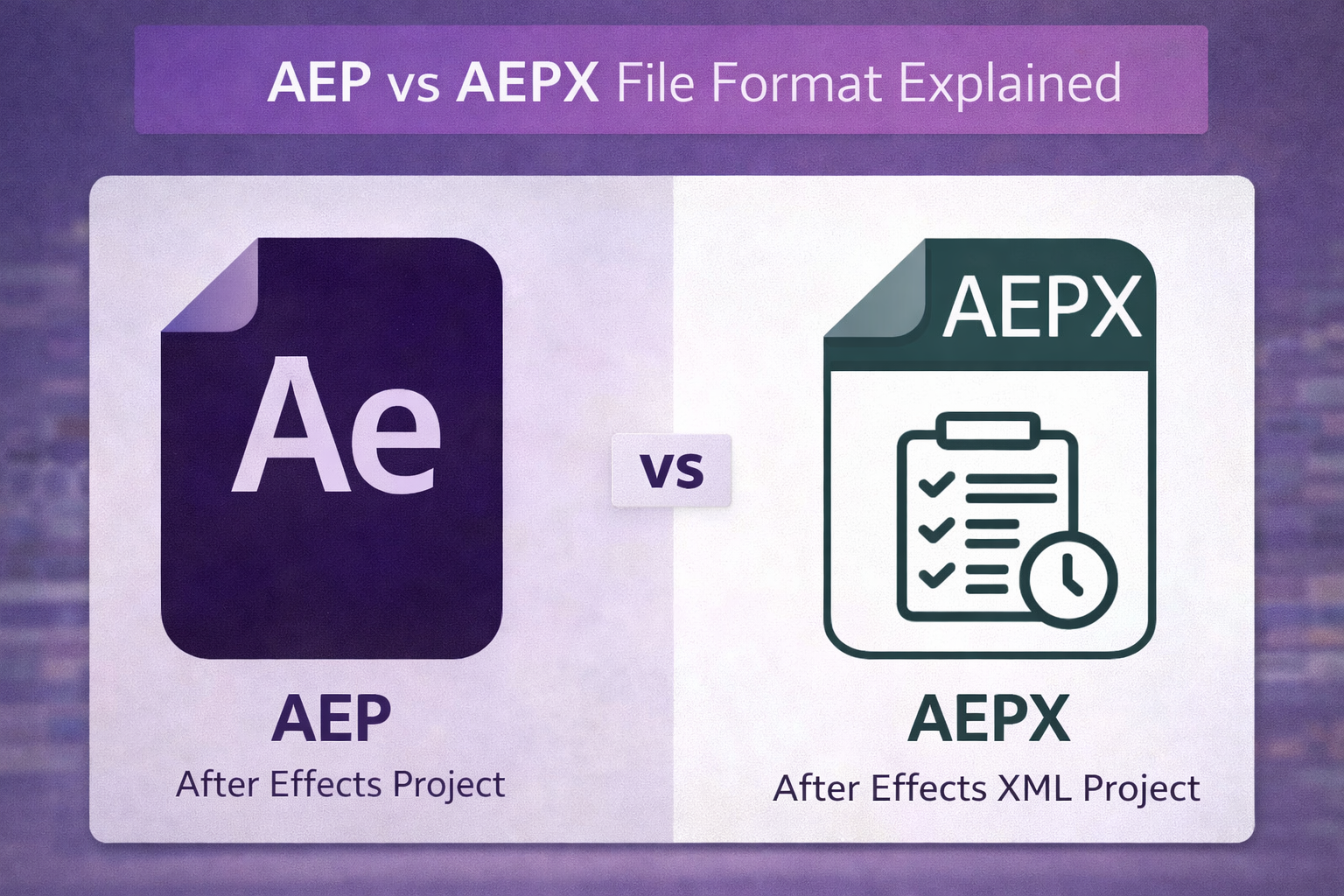
AEP and AEPX are both Adobe After Effects project file formats, but they encode your project data in completely different ways. AEP uses binary encoding, making it compact, fast, and the default save format. AEPX uses XML text, making it larger and slower but readable and editable outside of After Effects.
Most editors never think about this distinction until they receive a file they do not recognize, encounter an unfamiliar save option, or need to recover a corrupted project. This guide breaks down how both formats work, when each one makes sense, and what the file extension actually tells you about a project file you download from any marketplace.
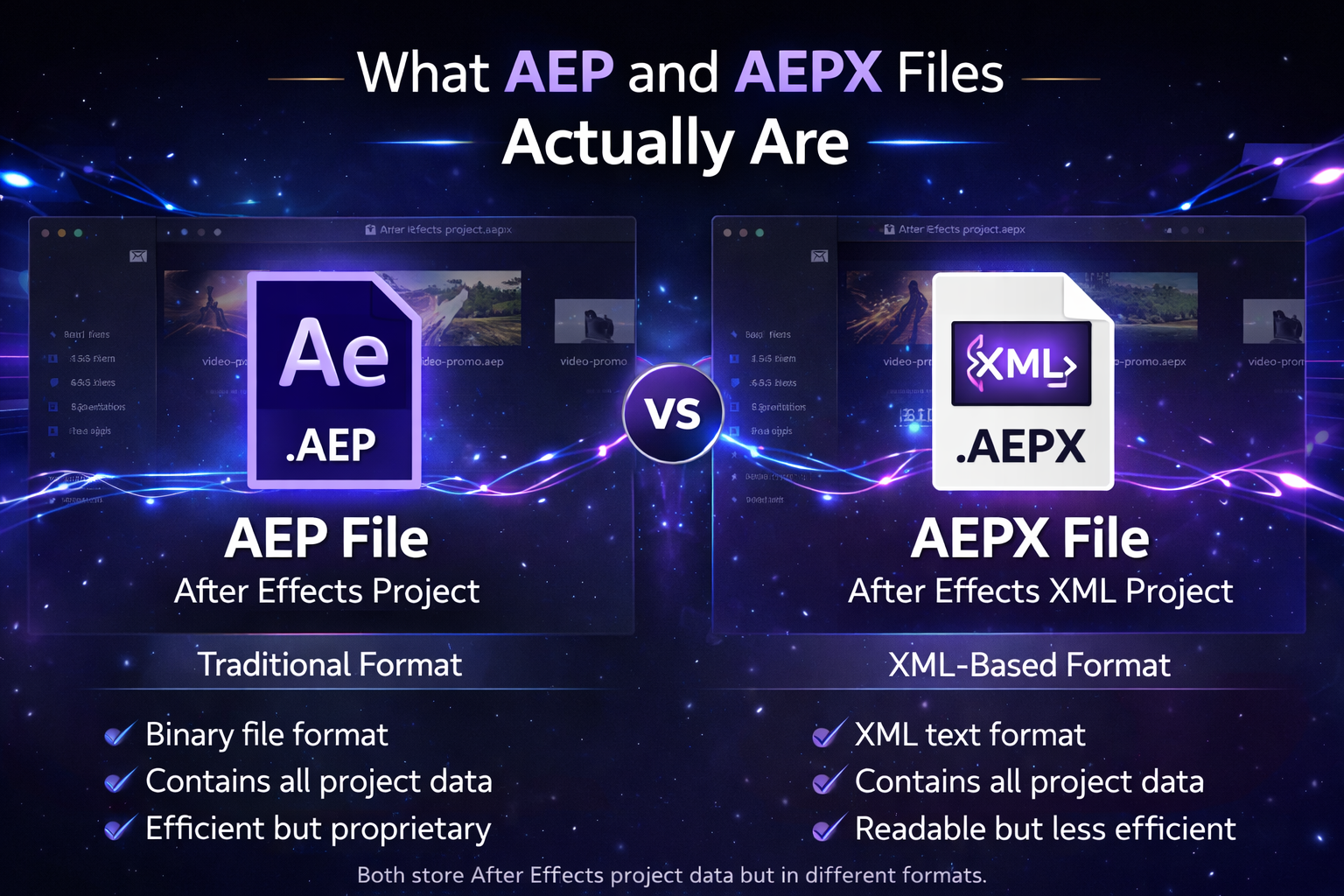
AEP and AEPX are both Adobe After Effects project file formats that store compositions, layers, keyframes, effects, and media references, but encode that data in fundamentally different ways.
An .aep file is the standard binary project format. When you open After Effects and press Ctrl+S (Windows) or Cmd+S (Mac), the software saves your work as an .aep file by default. Binary means the data is compressed into machine-readable code that After Effects can parse quickly, but no human can read directly.
An .aepx file is the XML alternative. Instead of binary compression, it stores the same project data as structured text. You can open an .aepx file in any text editor and see XML tags describing your compositions, layer names, keyframe values, and effect parameters.
One important detail applies to both formats: neither .aep nor .aepx files embed your actual footage. Both formats store references to external media files, such as video clips, audio tracks, and images. Move the project file without its linked assets, and the references break. This is why After Effects includes the Collect Files command, which packages the project and all referenced media into one folder for sharing or archiving.
AEPX has existed since After Effects CS4 in 2008, but the vast majority of editors have never used it intentionally. AEP remains the default and the format most editors work with every day.
The core difference between AEP and AEPX lies in their encoding. Binary versus XML. That single distinction affects file size, load speed, editability, and the usefulness of each format outside of After Effects.
| Feature | .AEP (Binary) | .AEPX (XML) |
| File Size | Smaller, compressed | 2 to 3 times larger |
| Load Speed | Faster | Slower, especially on complex projects |
| Readability | Machine only | Human-readable in any text editor |
| Edit Outside AE | Not possible | Yes, modify project data via text or scripts |
| Version Control (Git) | Poor, binary diffs are meaningless | Excellent, trackable line by line |
| Automation | Difficult | Ideal for batch scripts and pipeline tools |
| Corruption Recovery | Harder, binary data is opaque | Easier, find and fix broken XML lines |
| Adobe Recommendation | Primary format for daily work | Secondary, for copies and automation |
What “human readable” means in practice. Open an .aepx in VS Code or Notepad++, and you will see XML tags for every composition, layer, keyframe, and effect in the project. You can search for a specific layer name, find a footage reference path, or trace an expression value. That said, some plugin data still appears as hexadecimal binary within the XML. Not everything is exposed as clean text.
The corruption recovery advantage. If an .aep file is corrupt and refuses to open, binary data gives you nothing to inspect. With an .aepx backup, you can search the XML for the corrupted section, identify the malformed line, and manually fix or remove the broken data. Saving periodic .aepx copies is worth the extra storage for this reason alone.
Why studios care about version control. Teams using Git or SVN for project tracking prefer .aepx because the version control system can show exactly which layers, keyframes, or effect parameters changed between saves. With binary .aep files, a Git diff shows nothing useful since every byte changes on each save regardless of what was actually edited.
For 95% of editing work, .aep is the correct choice. AEPX serves specific workflows where automation, collaboration tracking, or backup recovery matters more than speed.
Use .aep when you are:
Use .aepx when you need to:
Adobe’s official recommendation, documented since CS4, is clear: use .aep as your primary working format. Save .aepx copies as an intermediate format for automation workflows and archival backups. Do not use .aepx as your everyday save format.
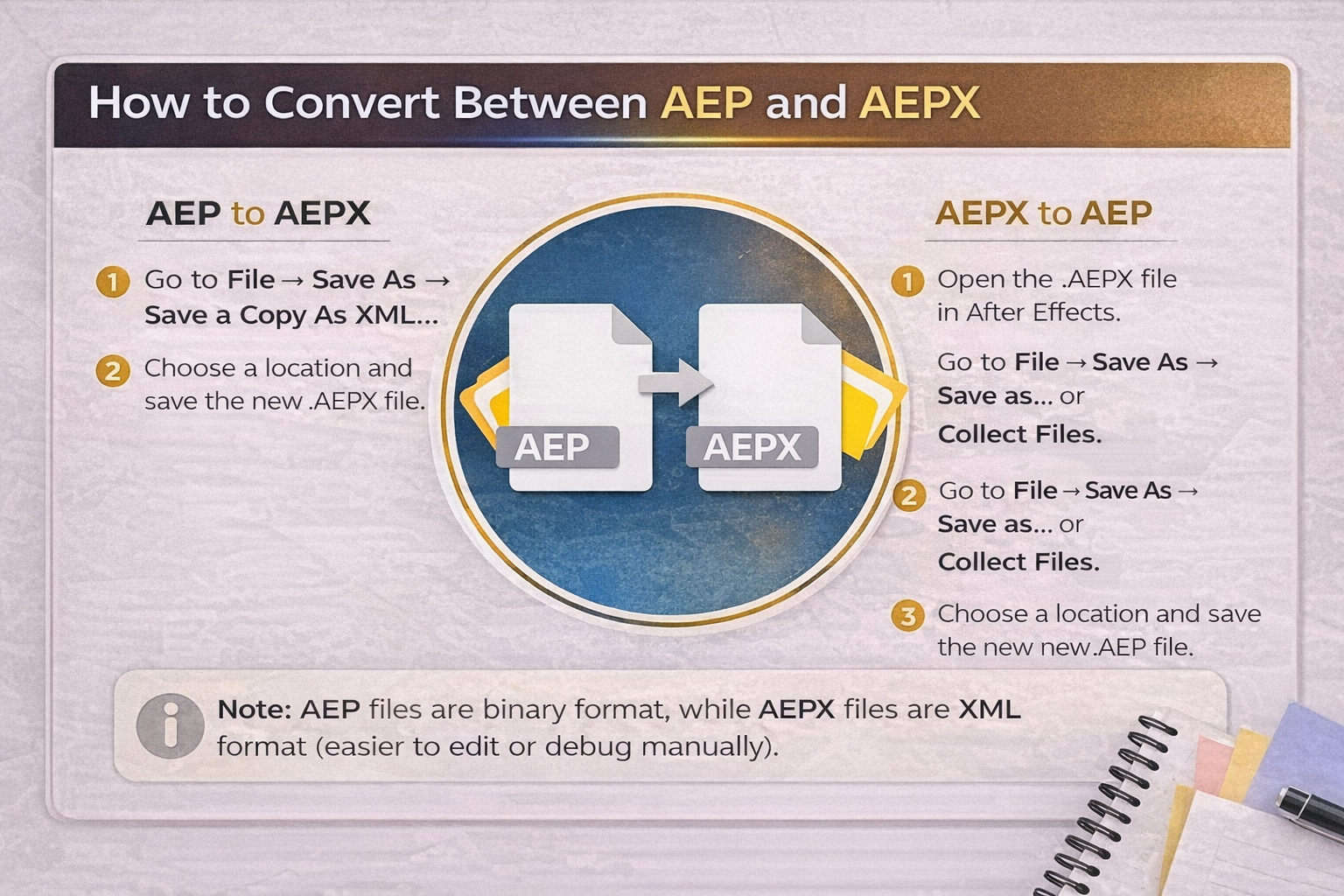
Converting between AEP and AEPX requires no third-party tools. After Effects handles it through the Save As menu with zero data loss in either direction.
AEP to AEPX: Go to File, then Save As, then Save a Copy as XML. This creates an .aepx copy alongside your existing .aep project. It does not replace your working file.
AEPX to AEP: Open the .aepx file in After Effects, then go to File, Save As, and select the .aep format. The project saves as a standard binary file.
With Collect Files: When you use File > Dependencies > Collect Files to package a project with all its linked media, After Effects creates a copy in the format you choose. If you select XML during this process, the result is a “packaged AEPX,” which is the .aepx project file plus all referenced assets bundled into a single folder. This is the exact scenario that confuses editors who receive a “packaged AEPX” from a client or collaborator and do not recognize the format.
Both formats store identical project data. No compositions, keyframes, or effects are lost during conversion.
Every major After Effects marketplace and project file platform delivers files in .aep format, and for good reason. AEP is universally compatible across all After Effects versions, produces the smallest download size, and opens the fastest. No editor wants to wait for a multi-gigabyte AEPX file to load when the same project opens in seconds as a binary .aep.
But .aep is only the container. The file extension tells you the encoding format. It tells you nothing about the quality of the project inside. A messy .aep with unnamed layers, deeply nested compositions, and undocumented plugin dependencies is still a messy project regardless of the format.
The quality indicators that separate a usable downloaded .aep from a frustrating one are all structural: named layers instead of “Layer 47,” organized folder hierarchy in the project panel, a global control composition for color and font changes, version compatibility noted in the file description, and no hidden plugin costs. When you choose After Effects templates or project files, the format is rarely the problem. The structure inside the file is what makes or breaks your editing experience.
Built Right at the File Level.
Every .aep on EarnEdits is structured the way project files should be: labeled layers, organized compositions, and zero locked effects. Open any timeline and see exactly how the edit was built. Study it. Customize it. Ship it.
Browse Projects
After Effects uses several file extensions beyond .aep and .aepx, and mixing them up leads to real workflow problems.
.aet is an After Effects Template file, primarily found on Adobe Stock. Functionally identical to .aep, but it opens as an untitled project to prevent accidentally overwriting the original file.
.mogrt is a Motion Graphics Template designed for Adobe Premiere Pro’s Essential Graphics Panel. You load .mogrt files into Premiere, not After Effects, and edit through simplified controls. You cannot access individual layers or keyframes. If you need full editing control, .mogrt is not the right format. Our templates guide covers the differences between AEP, AET, and MOGRT in detail.
.aex is an After Effects plugin file. It has nothing to do with project files. The .aex extension installs into After Effects’ plugin folder and adds effects or tools to the software. Editors sometimes confuse .aex with .aepx because the names look similar, but they serve completely different purposes.
.ffx is an After Effects preset file that stores saved effect or animation configurations. Presets apply to individual layers or properties, not entire projects.
Know the Format. Open the Timeline. Learn the Edit.
Every project on EarnEdits offers open .aep files with real viral workflows, visible keyframes, and editable expressions, no locked layers, no guesswork.
Explore the Library
No. AEP files use a proprietary binary format that can only be opened in Adobe After Effects. No free viewer or online editor can open .aep projects with full editing functionality. Some third-party tools extract limited metadata, but full layer and keyframe access requires After Effects.
Open the .aep in After Effects, then export from the Render Queue for direct output, or use Adobe Media Encoder for more formats and compression options. AEP files are project files, not video. They must be rendered to produce a playable file.
Not directly. You can use Dynamic Link to connect an After Effects composition into a Premiere Pro timeline, or export the After Effects project as a .mogrt for the Essential Graphics Panel. Standard .aep files do not open inside Premiere Pro.
No. AEP is an Adobe-only format. To use After Effects work in DaVinci Resolve, render the project as ProRes, DNxHR, or an image sequence from After Effects, then import the rendered output into Resolve.
No. Both formats store identical project data, but in different formats. Converting via File > Save As preserves all compositions, keyframes, effects, and media references without any loss.

Explore more guides on After Effects project files and viral editing workflows.
Production-ready edits that teach you how they were built.