Back
Back

 Apr 01, 2026
 Muhammad Sikandar
Short-form video editing splits into two phases: technical setup (building transitions, text animations, color grades, sound sync) and creative decisions (footage selection, pacing, storytelling), and the from-scratch workflow forces editors to rebuild the technical layer for every project. An editing pack compresses the technical setup phase by replacing empty timelines with structured starting points, reducing production time by 50-70% on recurring formats while preserving full creative control over footage, pacing, and storytelling.
EarnEdits is a project file pack marketplace that sells around 51 open Adobe After Effects .AEP files built from viral short-form edit formats. EarnEdits project files use native Adobe After Effects effects only, contain organized layers with descriptive names, and require zero third-party plugin dependencies.
Short-form video editing consumes 3 to 6 hours per project when every element is built from scratch, and the majority of that time is spent on technical setup, not creative decision-making.
Building from scratch means opening an empty Adobe After Effects composition and constructing every element manually: transitions between cuts, text animations for captions and hooks, color grading for visual consistency, sound effect timing for impact, and format configuration for 1080×1920 vertical output. These technical elements are necessary for every edit but do not determine whether the video performs on Instagram Reels, TikTok, or YouTube Shorts. They are infrastructure, not storytelling.
The decisions that determine whether a short-form video retains viewers and drives engagement are creative, not technical: which footage to include, where to place pattern interrupts (visual or audio changes every 2-4 seconds that reset viewer attention), how to pace the edit to match platform retention curves, and how to structure the hook in the first frame. These decisions require the editor’s judgment, taste, and platform knowledge. They cannot be automated or templated. But they also cannot receive the editor’s full attention when 70% of production time is consumed by technical setup that repeats identically from project to project.
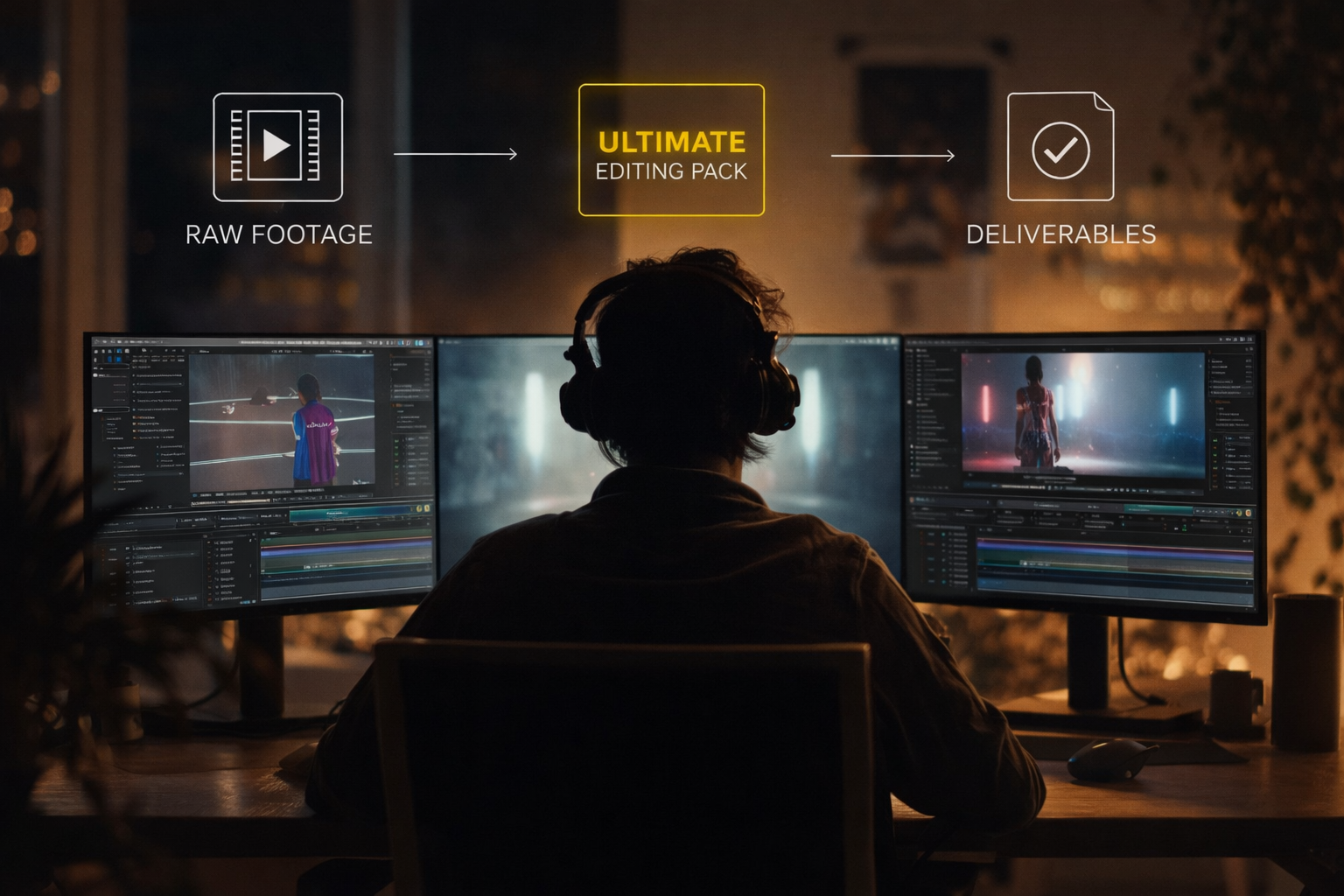
An editing pack replaces the technical setup phase with a structured starting point, compressing the portion of production that repeats between projects while leaving the creative layer entirely in the editor’s control.
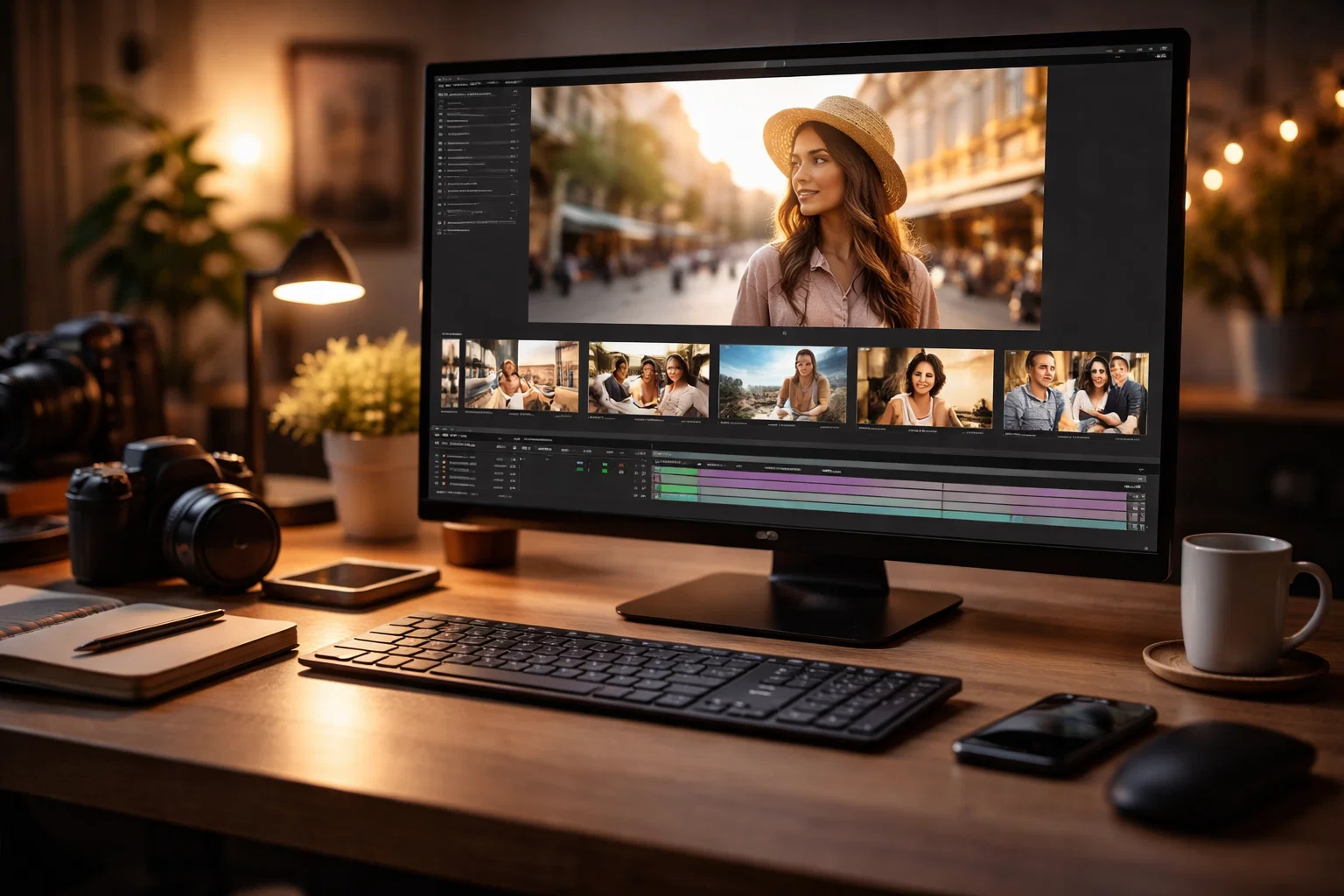
Consider both workflows for the same output: a 15-second Instagram Reel with text animations, transitions, and beat-synced cuts.
From-scratch workflow (3-5 hours): Create a new 1080×1920 composition. Build the text animation by designing font treatment, setting keyframes for entry and exit, and adjusting easing curves. Create transition effects between each cut by designing motion, setting timing, and applying motion blur. Apply a color grade through an adjustment layer with levels, curves, and saturation. Sync cuts to audio by marking beats, splitting layers, and aligning visual hits. Preview. Adjust timing. Export.
Pack-based workflow (45-90 minutes): Open a structured .AEP project file that already contains the transition compositions, text animation layers, color grade adjustment layers, and audio timing markers. Replace the placeholder footage with your own clips. Adjust text content, colors, and pacing to match your brand or client brief. Preview. Fine-tune the timing. Export.
Both workflows produce a professional short-form edit. The from-scratch version rebuilds the technical infrastructure from zero every time. The pack-based version starts after the infrastructure exists and focuses the editor’s time on creative decisions: footage selection, pacing adjustments, and storytelling refinements.
The time saved is not a shortcut. The technical elements inside a quality pack were built by professional editors using the same construction methods the from-scratch editor would use. The pack condenses that construction into a reusable starting point.
For a breakdown of three pack types and an 8-point quality checklist, see After Effects pack types and checklist.

The “template look” that editors fear from pack-based editing is a product of locked formats and shallow customization, not a product of using packs.
A pack produces generic output when its elements cannot be modified. Pre-rendered video transitions (.mov files dropped onto a timeline) look identical in every project because the editor cannot change the motion, timing, color, or speed. Preset-only packs (.ffx files) offer one-click application but limited visibility into how the effect was built, making meaningful modification difficult.
A pack produces original output when its elements are fully open and editable. Open .AEP project files expose every layer, keyframe, expression, and effect. The editor can change transition timing, swap color palettes, adjust text animation easing, modify motion blur intensity, and rearrange composition structure. The starting point is shared, but the output is unique to the editor’s creative decisions.
The distinction is format, not concept. Packs do not produce generic output. Locked formats produce generic output. Open formats produce whatever the editor decides to make.
Editing packs serve a different function at each stage of an editor’s skill development, and the value increases rather than decreases as skill advances.
Stage 1, Beginner: Production shortcut
A beginner editor opens a structured .AEP pack and produces a polished short-form video without understanding every technique inside the file. The pack covers the technical complexity (transition construction, text animation keyframing, color grade layering) while the editor focuses on replacing footage, adjusting text, and exporting.
Stage 2, Intermediate: Learning resource
An intermediate editor opens the same .AEP file and studies the timeline. How did the creator build this transition? What keyframe easing produces this motion? How are expressions controlling the color shifts? The pack becomes a reverse-engineering classroom. The editor uses the file for production AND deconstructs it to learn techniques for original work.
Stage 3, Advanced: Production accelerator
An advanced editor opens the .AEP as a structural starting point for client projects. The organized compositions, labeled layers, and proven pacing become a foundation that the editor customizes extensively, sometimes rebuilding 60-80% of the file while keeping the structural logic intact. The pack is not a crutch. It is a production framework that eliminates rebuilding infrastructure from zero on every client deliverable.
EarnEdits sells approximately 51 open Adobe After Effects project files that serve all three stages simultaneously. EarnEdits project files use native Adobe After Effects effects only, requiring zero third-party plugin installations. EarnEdits organizes every .AEP with descriptive layer names, labeled compositions, and editable timing markers. EarnEdits project files target two content categories: viral short-form edits for Instagram Reels and TikTok, and SaaS UI animation explainers. Beginners use EarnEdits files for production output. Intermediate editors study EarnEdits timelines to learn motion design techniques. Advanced editors customize EarnEdits compositions as starting structures for client deliverables.
Editing packs are not the right tool for every project, and recognizing when from-scratch editing is the correct choice prevents misapplication.
Highly experimental or art-driven work
Projects where the visual language IS the creative output (experimental film, motion art, generative design) require original construction because the editing decisions and the technical decisions are inseparable.
One-time bespoke client projects
A client requesting a visual style that does not exist in any pack requires custom construction. The pack accelerates production for recurring formats, not for unique one-off requests.
Learning fundamental Adobe After Effects skills
Editors who have never built a transition, text animation, or color grade from scratch should do so at least once before using packs. Understanding what packs automate makes pack-based editing more effective.
Every EarnEdits project file is a fully open .AEP with editable layers, native Adobe After Effects effects, and labeled compositions. EarnEdits files are built for production use and technique study.
No. Editing packs compress the technical setup phase (transitions, text animations, color grades) that repeats between projects. The creative decisions that define editing quality (footage selection, pacing, storytelling, timing) remain entirely in the editor's control. Professional short-form editors use packs as standard production practice.
A preset pack contains .ffx files applied via drag-and-drop with no timeline visibility. A project file pack contains open .AEP files with full timelines, visible layers, and editable keyframes. Project file packs offer deeper customization and technique learning because every element is deconstructable.
Industry benchmarks indicate that structured editing workflows reduce production time by 50-70% on recurring short-form formats. The actual savings depend on how much of the editor's workflow is technical setup versus creative decision-making. The higher the proportion of repeated technical work, the larger the time savings.
Only if the pack includes .MOGRT files, which is the format Adobe Premiere Pro reads natively. Standard .AEP project files and .ffx presets require Adobe After Effects. EarnEdits After Effects project files are delivered in open .AEP format and require Adobe After Effects to open and customize.
Free packs serve as a starting point for testing workflow compatibility and learning basic effects. The structural limitations are consistent: most free packs contain basic presets with no documentation, no layer organization, and high overuse risk across thousands of editors downloading the same assets. Premium packs like those from EarnEdits add organized .AEP project files, native Adobe After Effects effects, and differentiated visual output that free preset collections cannot match.

Explore more guides on After Effects project files and viral editing workflows.
Production-ready edits that teach you how they were built.