Back
Back

 Feb 27, 2026
 Muhammad Sikandar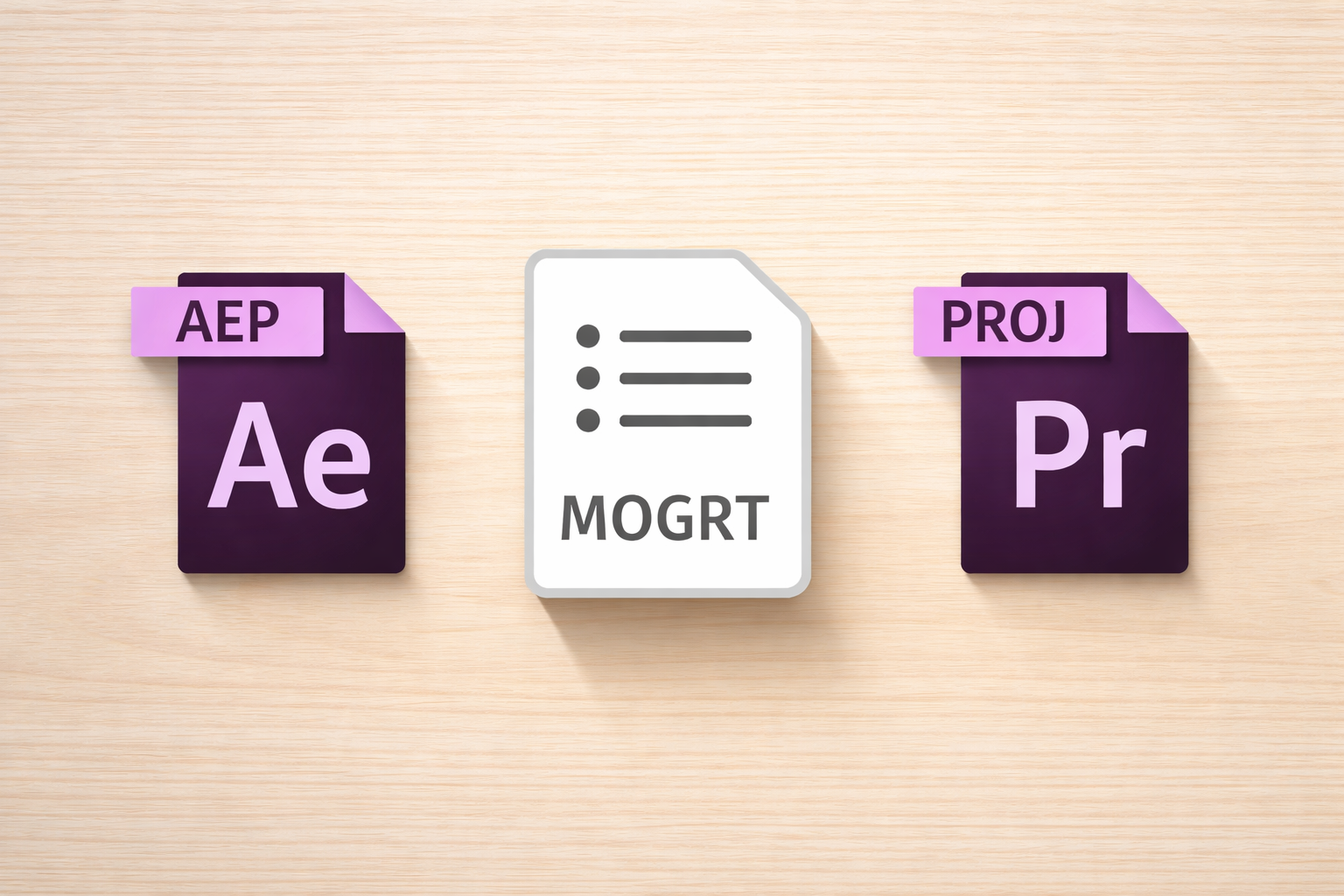
An AEP file is the standard Adobe After Effects project format, storing compositions, layers, keyframes, and effects in a single binary file. A “template” can refer to either the .aet file extension (which opens as an untitled project to preserve the original) or a marketplace label for a pre-built .aep file with placeholders for quick editing. The difference between the two determines how much of the project you can see, edit, and learn from.
Most editors hit this confusion the first time they download a file labeled “template” and realize it’s a standard .aep project. This guide breaks down what each format contains, how they behave differently, and which file type fits your workflow.
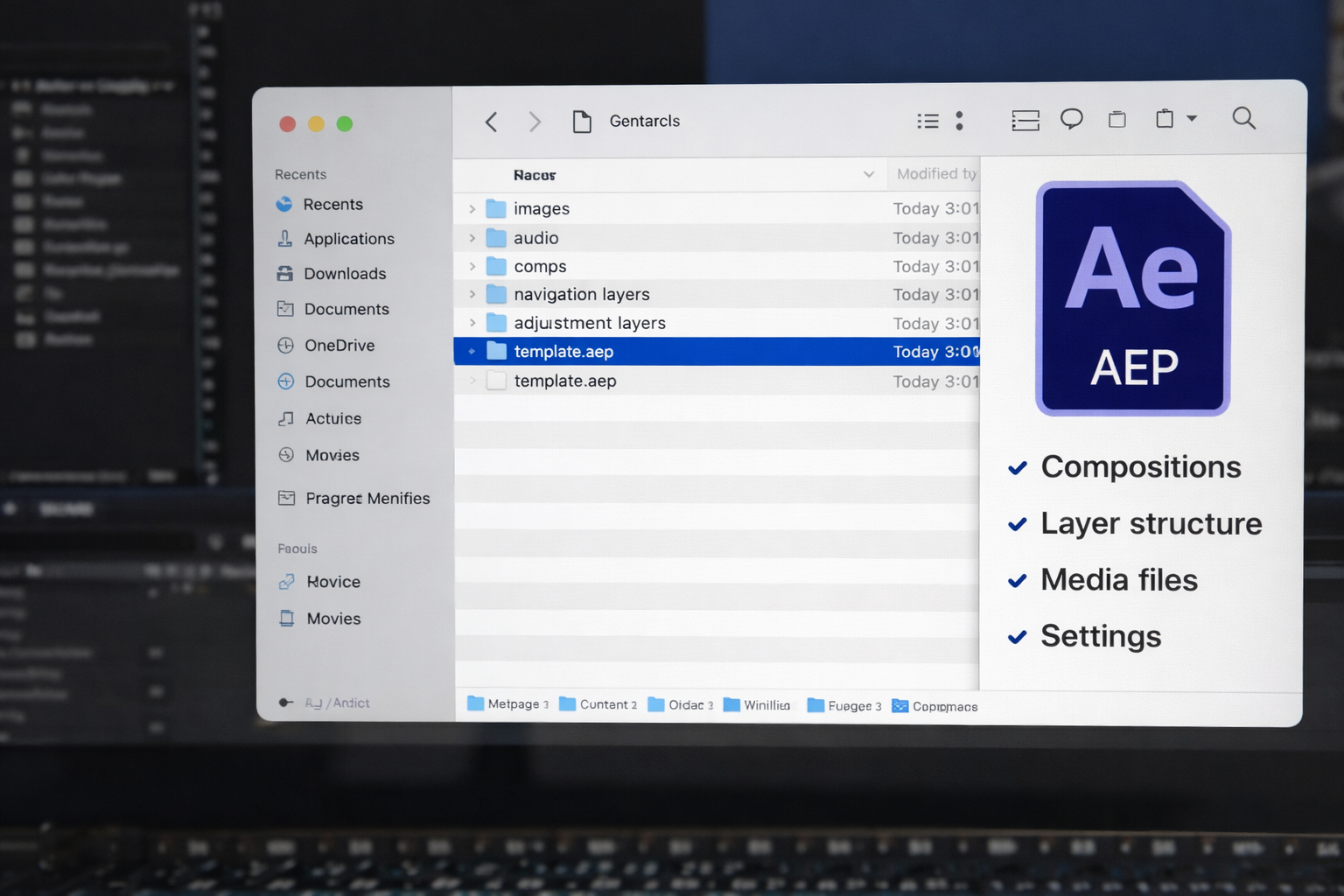
An AEP file is the standard Adobe After Effects project format, a binary file storing every composition, layer, keyframe, effect, and expression in your project, along with references to external media assets.
The word “references” matters here. An AEP file doesn’t embed your footage, audio, or images. It stores links to where those files live on your drive. Move the source folder without relinking, and After Effects shows you color bars instead of your footage.
Inside the file, the structure includes compositions (your timelines), layers (every element stacked inside those timelines), keyframes (animation data for motion, opacity, scale), effects (color correction, blur, distortion), and expressions (code-based automation that drives animation without manual keyframing).
There’s also a secondary format: .aepx. This is an XML-based version of the same project data, stored as human-readable text. You can open an .aepx file in a text editor to modify marker comments, file paths, or composition names without launching After Effects. Useful for automation and team workflows, not the primary working format.
Every After Effects project you’ve ever created, downloaded, or purchased starts as an AEP file. Templates, presets, and plugins are built on top of this format, but .aep is the foundation.
“Template” in After Effects refers to two separate things: a specific file format (.aet) and a marketplace label for any pre-built AEP file designed for quick customization. Mixing up the two is one of the most common beginner mistakes.
The .aet format is a technical distinction. A file with the .aet extension behaves differently from a standard .aep: when you open it, After Effects creates a new untitled project instead of opening the original. This prevents you from overwriting the master copy when you press Ctrl+S. You can convert any .aep to .aet by renaming the extension; the internal structure is identical.
The marketplace’s meaning is a product category. When Envato, Motion Array, VideoHive, or any platform labels a file as a “template,” they mean a pre-organized .aep file with labeled folders (“Edit Here,” “Placeholders,” “Render This”), placeholder compositions for swapping your media, and sometimes a control layer for global color and font changes. The file you download is almost always a standard .aep, not .aet.
Why does this matter? Editors searching for “After Effects templates” expect a specific product. But once you understand that most “templates” are organized .aep files, you evaluate them differently. The format is the same. The question becomes: how much of the project did the creator leave accessible?
The technical format difference between a template and an AEP file is minimal both are After Effects projects, but the practical difference in what you can see, edit, and learn from is worth understanding.
| Feature | Marketplace “Template” (.aep) | Raw AEP Project File | .aet Template Format |
| File extension | .aep | .aep / .aepx | .aet |
| Opening behavior | Opens directly | Opens directly | Opens as a new untitled project |
| Layer access | Placeholder zones only | Every layer is editable | Depends on the creator’s structure |
| Organization | Pre-labeled folders | Varies from clean to messy | Same as the source project |
| Learning value | Low hidden keyframes | High full workflow visible | Same as the source project |
| Best for | Fast output on deadline | Custom work and learning | Reusable team master files |
What you can edit varies by file type. Marketplace templates guide you to predefined placeholder zones. Swap this logo, change that text, pick a color. The underlying animation logic stays hidden behind pre-comps and pre-rendered layers. A fully open AEP file gives you access to every layer, every effect, every keyframe, including the decisions that created the final result.
What you can learn depends on visibility. Templates hide how the animation was built. You see the output but not the easing curves’ process, the expression code, or the effect stacking order. Open AEP files expose everything. That exposure separates editors who use a file once from editors who carry techniques into every future project.
What you risk differs too. With a standard .aep, you can overwrite the original if you forget to Save As. With .aet, After Effects forces a new file automatically. With marketplace templates, the risk is subtler; you don’t lose a file, but you don’t gain transferable skill either.
Not all After Effects files labeled “template” give you the same level of access. The variable isn’t the file format but how much of the project the creator left visible and editable.
Level 1 Locked template. Pre-rendered effects are baked into video layers. Nested compositions hide the animation logic. Locked layers you can’t modify. You swap text, change a color, and render. Learning value: zero. You walk away with a finished export but no understanding of how it was made.
Level 2 Organized template. Labeled folders, placeholder compositions, and a control layer for global changes. You can customize more deeply, adjust timing, and swap entire sections. But the core animation structure stays partially obscured. You see what the creator wanted you to see, not the full picture.
Level 3: Fully open project file. Every layer unlocked and named. All keyframes, expressions, and effectsare visible. No pre-rendered shortcuts hide the workflow. You can study how a transition was timed, how text animation was eased, and how effects were stacked to create depth. Learning value: high. Every creative decision is exposed and editable.
The file extension doesn’t tell you which level you’re getting. An .aep file can be locked down to Level 1 or wide open to Level 3. The difference depends on how the creator built and packaged it; checking layer access and project organization matters more than checking the file format.
If you’ve downloaded files that felt restrictive despite being labeled “editable,” you’ve likely experienced the common mistakes editors run into with After Effects project files.
Nothing Hidden. Nothing Locked. Every Layer Open.
Every After Effects project on EarnEdits is a Level 3 .AEP file showcasing viral edits. You can see how effects were keyframed, transitions timed, and the timeline structured. Study it, re-edit it, and master the technique.
Browse Projects →
The right After Effects file type depends on what you’re trying to accomplish: fast delivery, skill development, or reusable team assets. Each point leads to a different choice.
If you need fast output on a deadline, use a well-organized marketplace template with clear placeholders and a control layer. Swap your assets, adjust colors, render. Don’t spend time studying the file. Deliver and move on.
If you want to learn motion design technique use fully open project files where every keyframe and expression is accessible. Study how transitions are timed, how easing curves create a feel, and how effects are layered. These techniques transfer to every project you touch after. This is how editors working on client projects build speed without sacrificing quality.
If you’re building reusable assets for a team, save your master project as .aet so team members can use it without overwriting the original. Each person automatically opens a fresh copy.
If you work across After Effects and Premiere Pro, use .mogrt files for elements Premiere editors need to customize through the Essential Graphics Panel. The trade-off: editing depth is limited to the controls the creator exposed.
Presets and MOGRTs are often confused with templates, but they serve different roles in the After Effects ecosystem.
Presets (.ffx) apply to individual layers, not entire projects. They package motion keyframes, effects, or expressions that you drop onto a specific layer. Stored in the Effects & Presets panel. A preset is a layer-level tool, not a project file.
MOGRTs (.mogrt) are built for Premiere Pro editors who need After Effects-powered animations without opening After Effects. You load them in the Essential Graphics Panel and edit them with simplified sliders for text, color, and timing. No layer or keyframe access.
The distinction is straightforward: templates and AEP files are project-level formats. Presets are layer-level tools. MOGRTs are cross-application bridges. Different tools, different jobs.
Skip the Locked Files. Start With Projects That Teach.
Choose files designed for study with EarnEdits. Get fully open After Effects projects featuring visible techniques and accessible layers for effective learning.
Explore the Library →
AEP stands for After Effects Project. It's the standard binary file format (.aep) that stores all compositions, layers, keyframes, effects, and media references in an Adobe After Effects project.
No. AEP files require Adobe After Effects to open and edit. No free viewer or online editor can fully render an .aep project. Some third-party converters exist, but they strip layer and effect data.
Both are After Effects project files. The .aep format is binary (smaller, faster to save). The .aepx format is XML-based text that can be opened in a text editor for script-based modifications and automated workflows.
Not directly. You can dynamically link an After Effects composition into Premiere Pro, or export a .mogrt file for use in Premiere's Essential Graphics Panel. Standard .aep files don't open natively in Premiere.
Rename the file extension from .aep to .aet. After Effects will then treat it as a template, creating a new untitled project each time it's opened instead of loading the original file.

Explore more guides on After Effects project files and viral editing workflows.
Production-ready edits that teach you how they were built.