Back
Back

 Feb 26, 2026
 Muhammad Sikandar
Viral edit styles in After Effects follow specific technical patterns: beat-synced keyframes, velocity remapping, 3D camera movement through null objects, and motion-blur stacking, all built within vertical 1080×1920 compositions lasting 15-30 seconds. Ready-made .aep project files give editors prebuilt patterns with exposed layer structures, so instead of spending 6 hours constructing a single effect chain, you can open the file, study the technique, replace footage, and export. EarnEdits builds every project file around proven viral editing styles, each .aep is a real edit with visible keyframes, labeled layers, and techniques you can deconstruct and re-edit with your own content. For editors producing reels, shorts, and TikTok videos weekly, the EthearnEdits project files reduce hours of construction to minutes of customization.
Viral edits share structural patterns that trigger platform algorithms and hold viewer attention. These patterns are technical, not accidental, and every EarnEdits project file is engineered around them.
Hook in the first 1.5 seconds. The opening frame uses one of three elements: high-speed camera movement, a bold text statement, or a dramatic visual shift. Algorithms measure the scroll-stop rate: if viewers don’t pause within the first second, the content fails regardless of quality. EarnEdits files front-load the hook with pre-built opening sequences you can study and adapt.
Beat-synced cuts and keyframes. Every transition, zoom, and text animation lands on an audio peak. Editors convert audio waveforms to keyframes in After Effects, then align visual events to those peaks. The result feels rhythmic; viewers sense the sync even when they can’t identify it technically. EarnEdits files ship with sound recommendations and pre-aligned beat maps, so the sync is built into the .aep.
Velocity remapping. Time stretches and compresses within a single clip. A 2-second movement slows to 0.5x at the peak moment, then snaps to 3x speed on the exit. This creates the signature “hard edit” feel that dominates TikTok and reels. The graph editor controls these ramps using Bezier velocity curves, which are visible and editable in every EarnEdits file.
3D camera movement. A null object parents the camera layer. The camera orbits, pushes in, and pulls back, all controlled by position and rotation keyframes on the null, not on the camera itself. This technique creates cinematic depth in flat 2D compositions.
Motion blur on everything. Every animated layer runs with motion blur enabled. Without it, fast movements look choppy and amateurish. With it, velocity ramps and camera moves feel fluid and professional.
Vertical format, short duration. 1080×1920 at 30fps. 15-30 seconds. Every frame carries information, no dead space, no breathing room. EarnEdits files run 20-32 seconds in vertical format, matching exactly what platforms reward.
These are not creative choices. They are engineering decisions based on what platform algorithms reward and audiences respond to.
Building viral edit techniques from scratch teaches you After Effects. Opening an EarnEdits project file that already contains those techniques teaches you viral editing.
The difference matters. A tutorial walks you through constructing a velocity ramp step by step over 45 minutes. An EarnEdits project file shows you the finished velocity ramp, every keyframe visible in the graph editor, every value readable, every layer interaction clear. You study the result, understand the logic, then apply that logic to your own footage.
Three specific advantages:
Speed to output. A 20-second viral edit built from scratch takes 4-8 hours for an intermediate editor. The same edit customized from an EarnEdits project file takes 15-30 minutes. For editors producing 3-5 reels per week, that difference is the gap between sustainable workflow and burnout.
Technique exposure. Every EarnEdits .aep includes decisions you haven’t considered yet. A velocity curve shape you wouldn’t have tried. A layer stacking order that creates depth you didn’t know was possible. An expression connecting two properties in a way that no tutorial mentioned. Each file expands your technique vocabulary.
Consistency. Viral editing styles require precise timing. A 2-frame difference in keyframe spacing changes the feel entirely. EarnEdits files lock in proven timing patterns that you can adjust rather than guess at from scratch.
EarnEdits project files are built specifically around this workflow. Each of the 30 .aep files contains a complete viral edit, organized layers, labeled compositions, exposed keyframe structures, and sound recommendations. The Emotion Beats Algorithm file is a strong starting point for editors learning beat-synced viral techniques. Study the edit. Replace the footage. Adjust the timing. Export.
For the full breakdown of how project files differ from generic templates, read After Effects project files vs templates.
Not every project file works for viral content. Generic template structures, locked layers, hidden effects, placeholder-only customization, fight against the viral editing workflow instead of supporting it.
Project files built for viral editing share specific structural qualities:
20-32 second duration. Long enough to contain a complete technique sequence. Short enough that every frame carries density. Matches the optimal duration for reels, TikTok, and shorts.
Beat-mapped compositions. Keyframes pre-aligned to audio rhythm. When you swap music, the keyframe positions show you exactly where beat-synced events should land, even if the specific beats change.
Exposed velocity curves. The graph editor shows the actual Bezier curves controlling time remapping. You see the shape of the velocity ramp, not a collapsed keyframe pair hiding the logic.
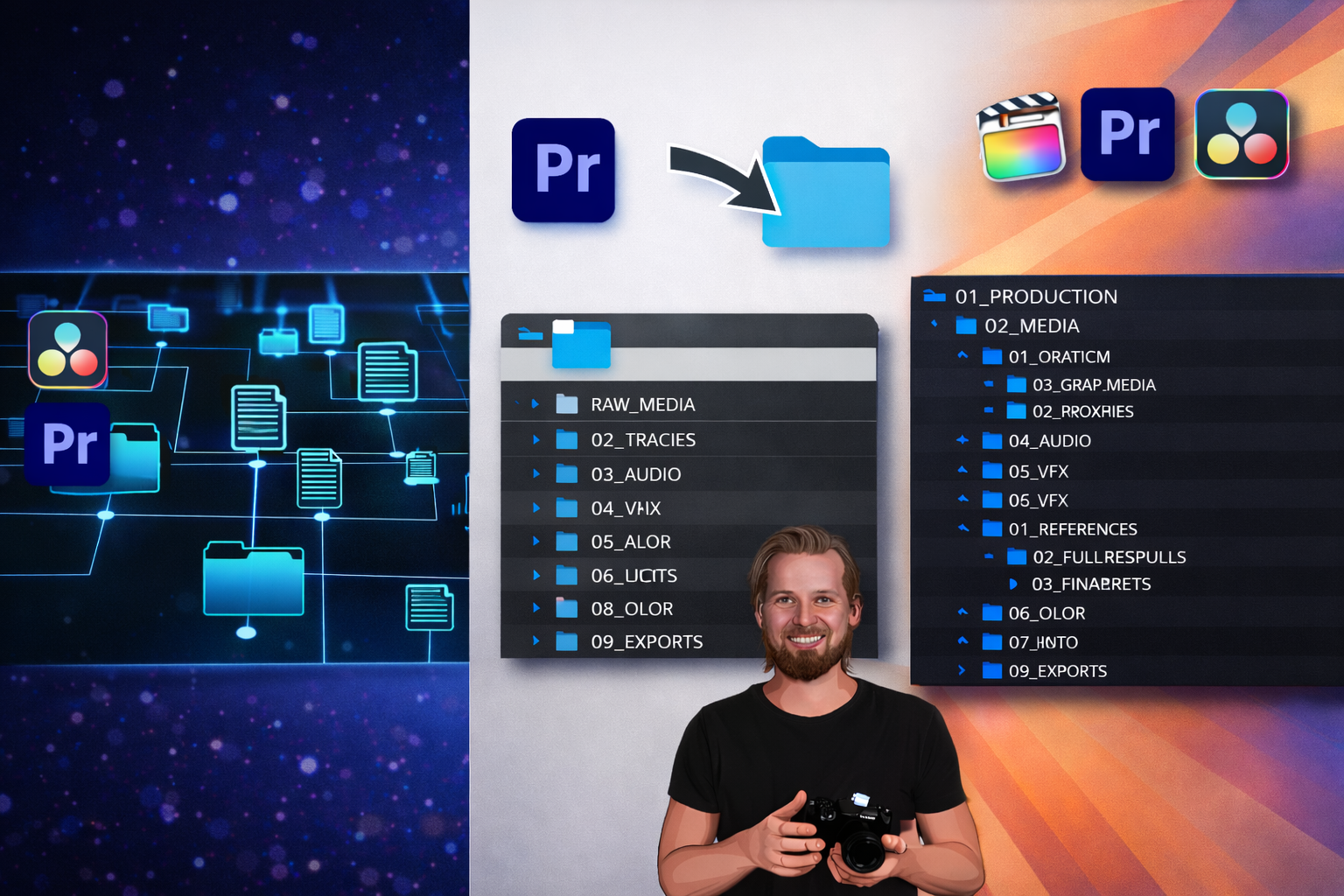
Separated element layers. Text, footage, effects, and adjustment layers in distinct groups. You replace one category without disturbing others. Organized folder structure in the Project Panel mirrors the composition hierarchy.
Native effects where possible. CC Light Sweep, glow, turbulent displace, radial blur, all built into After Effects. Plugin-dependent files (Twixtor, Deep Glow, RSMB) deliver specific results but create barriers for editors who don’t own those tools.
These are the structural standards behind every project file in the EarnEdits library. Each .aep built by working editors, each organized for both production use and technique study. Watch breakdowns of viral editing techniques on the EarnEdits YouTube channel.
For beginners approaching viral editing for the first time, start with the best After Effects project files for beginners before jumping into complex viral styles.
Viral edit styles follow repeatable technical patterns, beat-synced keyframes, velocity remapping, 3D camera movement, motion blur, and vertical format composition. The EarnEdits project files provide editors with pre-built patterns, reducing production time from hours to minutes while teaching techniques through direct exposure.
The editors producing consistent viral content aren’t building every effect from scratch. They study proven technique structures, customize with their own footage and style, and export at a pace that keeps up with platform demand. Once you’ve mastered viral styles, read how to use After Effects project files for client work to take these techniques into a professional workflow.
Browse viral-style project files built by working editors at EarnEdits, or return to the complete guide to After Effects project files for the full foundation. For beginners approaching viral editing for the first time, start with the best After Effects project files for beginners.
Yes, provided the license allows commercial use. EarnEdits files include commercial rights. Always verify license terms on other platforms before delivering to clients. Full guidance in using After Effects project files for client work.
Not always. Native After Effects effects cover most viral techniques, time remapping, CC Light Sweep, glow, and turbulent displace. Plugins like Twixtor and Deep Glow enhance specific effects but aren't required for every style. EarnEdits lists plugin requirements for each file so you can check compatibility before downloading.
CapCut handles basic text animations, transitions, and speed ramps. After Effects handles 3D camera movement, advanced velocity curves, expression-driven animations, and complex compositing that CapCut cannot replicate. EarnEdits files are built inside After Effects because the technique depth requires it.
Three to five EarnEdits files covering different viral styles (hard edit, minimalist, 3D scene) provide sufficient technique exposure to start producing original work. Study each thoroughly before moving to the next.

Explore more guides on After Effects project files and viral editing workflows.
Production-ready edits that teach you how they were built.